How to disable the Ritual Reset blueprint in Confluence
Here is how to disable the ritual reset blueprint in confluence
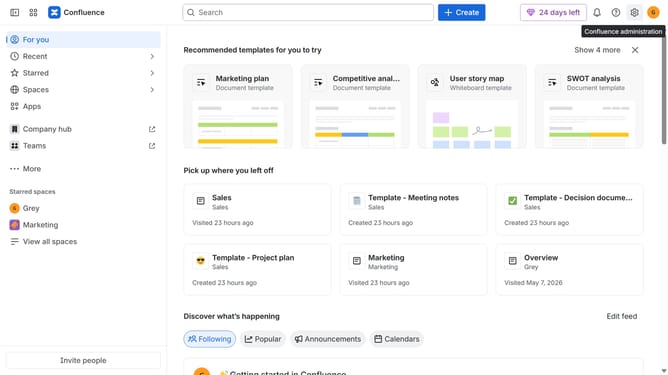
- First click on the gear icon in the top right header
- Click on "Configuration" in the left sidebar under Settings
- Next, select "Global templates and blueprints"
- After that, locate the "Global blueprints" section
- Then locate the "Ritual Reset" blueprint in the Global blueprints list
- Finally, turn off the toggle next to the blueprint to disable it
Why should you disable the Ritual Reset blueprint in Confluence
Confluence is a dynamic collaboration tool designed to help teams share, organize, and collaborate on their work in one place.
Disabling the Ritual Reset blueprint in Confluence allows users to tailor the platform to better fit their team's unique workflow without periodic interruptions. This feature empowers teams to maintain a steady pace and keep their customized setups without necessary resets.
By managing blueprints effectively, teams can enjoy improved efficiency and a more personalized user experience, contributing to a more streamlined and organized work environment.
Last update