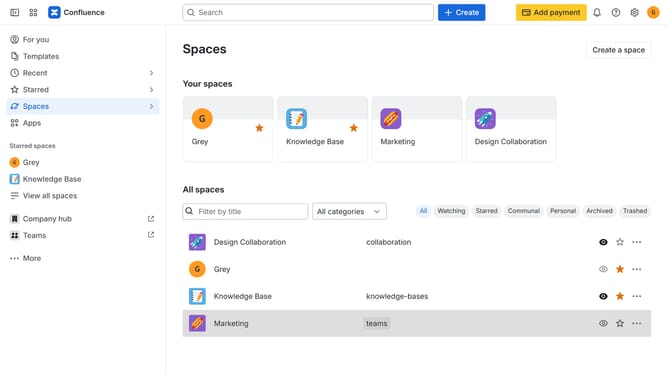
How to switch to the dark theme in Confluence
Here is how to switch to the dark theme in confluence
- First click on the user profile icon in the top right corner of the header
- Next click on the "Theme" option from the dropdown menu
- Then select the "Dark" theme option from the theme selection menu
Why should you switch to the dark theme in Confluence
Confluence is a collaborative workspace where teams can organize, document, and communicate efficiently.
Switching to the dark theme in Confluence enhances your viewing experience, particularly in low-light environments.
It reduces eye strain, letting you work comfortably for extended periods without fatigue.
Dark theme also contributes to energy saving on devices with OLED screens, making it an eco-friendly choice.
Last update