How to manage avatar visibility on published content in a Confluence space
Here is how to manage avatar visibility on published content in a confluence space
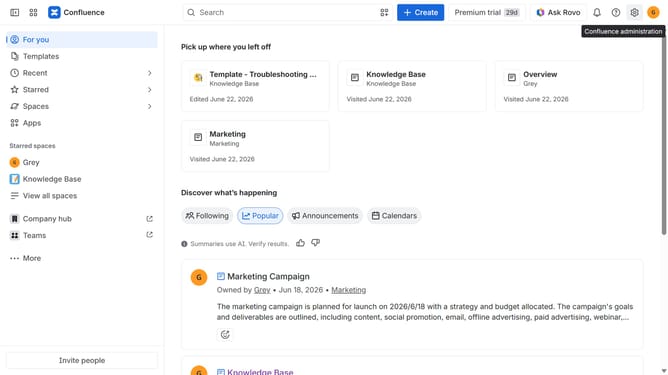
- First click on "Spaces" in the left sidebar
- Next click on the "View all spaces" option
- From the list, open the space you want to manage
- Then click on the "three dots" button next to the space name in the sidebar
- From the dropdown menu, select the "Space settings" option
- In the left sidebar, click on "General"
- Next, select the "Avatars and status" menu
- Then, locate the "Avatars on published content" option
- Finally, turn the toggle on or off depending on your preference to show or hide viewer avatars on published content
Why should you manage avatar visibility on published content in a Confluence space
Confluence is a collaborative workspace where teams can create, share, and manage their work seamlessly.
One of its standout features is the ability to manage avatar visibility on published content. This feature allows you to control which team member's profile images are displayed alongside their contributions, ensuring clarity and organized presentation.
Utilizing avatar visibility enhances team recognition and accountability, making it easier to identify contributors at a glance. This fosters a cooperative spirit while maintaining a professional appearance.
Last update