How to disable the SMART goals blueprint in Confluence
Here is how to disable the smart goals blueprint in confluence
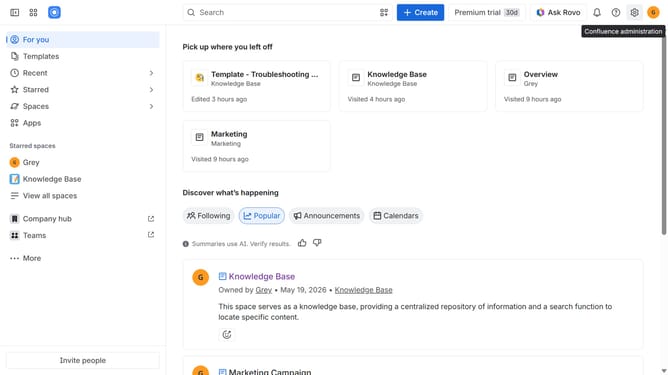
- First click on the gear icon in the top right header
- Click on "Configuration" in the left sidebar under Settings
- Next, select "Global templates and blueprints"
- After that, locate the "Global blueprints" section
- Then locate the "SMART goals" blueprint in the Global blueprints list
- Finally, turn off the toggle next to the blueprint to disable it
Why should you disable the SMART goals blueprint in Confluence
Confluence is a powerful collaboration tool that helps teams organize and share knowledge efficiently.
Disabling the SMART goals blueprint in Confluence can streamline your workspace, offering a more tailored experience for teams that prefer different goal-setting approaches. This flexibility ensures that your team's unique methodologies are at the forefront, enhancing productivity and clarity.
By customizing your Confluence setup, you can align it more closely with your team's specific needs, fostering an environment where creativity and efficiency thrive.
Last update