How to enable avatars on published content in a Confluence space
Here is how to enable avatars on published content in a confluence space
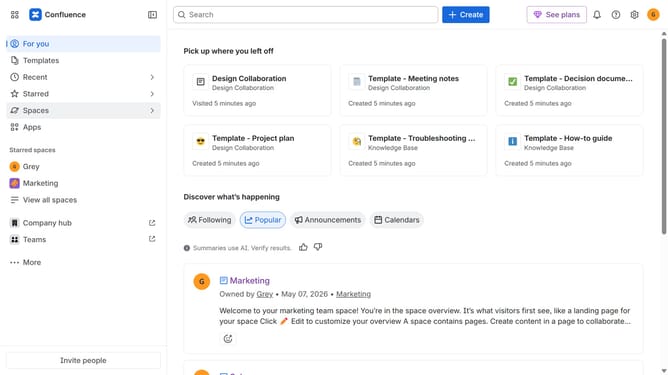
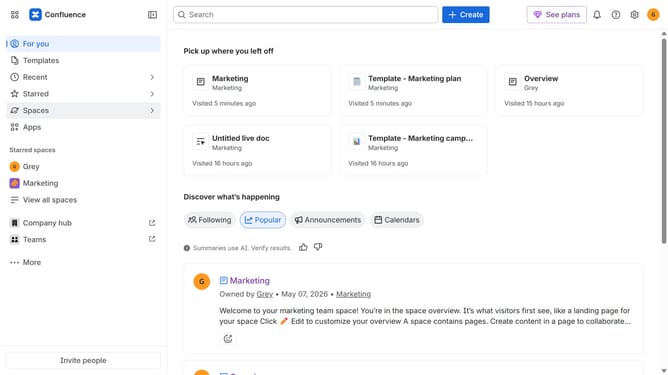
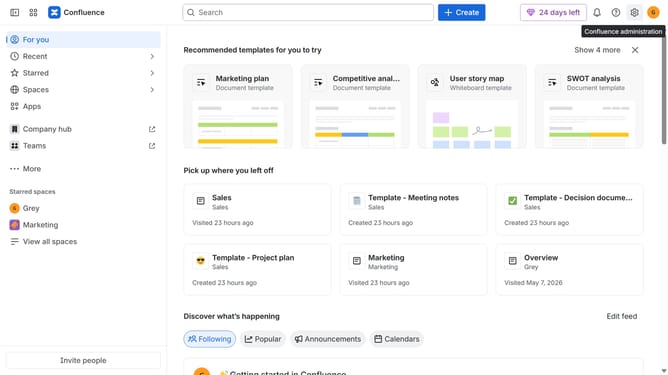
- First click on "Spaces" in the left sidebar
- Next click on the "View all spaces" option
- From the list, click the space you want to manage to open it
- Then click on the "three dots" button next to the space name in the sidebar
- From the dropdown menu, select the "Space settings" option
- In the left sidebar, click on "General"
- Then, locate the "Avatars on published content" option
- Finally, turn on the toggle to enable avatars on published content in the space
Why should you enable avatars on published content in a Confluence space
Confluence is a dynamic collaboration tool that makes teamwork seamless and productive.
Enhancing the experience further, enabling avatars on published content in a Confluence space is a simple yet powerful feature. Avatars inject a personal touch into your workspace, making it easier to identify contributors at a glance.
This feature not only humanizes digital interactions but also fosters a sense of community and accountability among team members. With avatars, communication becomes more vibrant and personal, enhancing engagement and collaboration.
Last update