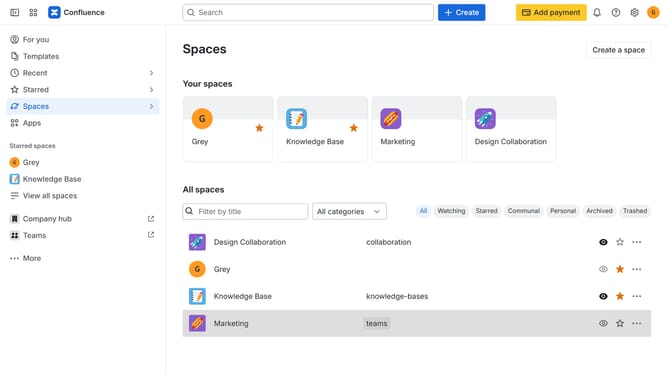
How to edit a custom space role's description in Confluence
Here is how to edit a custom space role's description in confluence
- First click on the settings icon in the top right corner to open confluence administration
- In the sidebar, click on "Permissions"
- Next, click on "Space roles" in the submenu
- Locate the custom space role whose description you want to edit under the "Custom roles" section
- Click on the three dots icon next to the custom role
- Next click on the "Edit" option in the dropdown menu
- In the modal that appears, locate the "Role description" field
- Then update the field with the new description
- Finally, click on the "Save" button to apply the changes
Why should you edit a custom space role's description in Confluence
Confluence is a powerful collaborative workspace that helps teams manage knowledge and share information efficiently.
One notable feature is the ability to edit a custom space role's description, providing clarity and specificity to team roles.
This enhances communication, as everyone understands their tasks and responsibilities within the shared digital space.
Ultimately, this feature fosters a more organized and informed team environment, optimizing the workflow and collaboration.
Last update