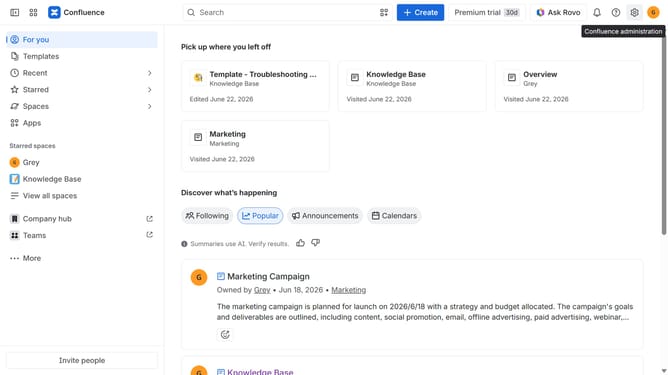
How to filter apps by Issue Tracking use case in the Confluence Marketplace
Here is how to filter apps by issue tracking use case in the confluence marketplace
- First click on "Apps" in the left sidebar
- Next, click on the "Explore more apps" option
- Click on the "Use cases" filter below the search bar
- Then, select the "Issue Tracking" checkbox
- Optionally, select additional use case options
Why should you filter apps by Issue Tracking use case in the Confluence Marketplace
Confluence is a dynamic collaboration platform designed to help teams work smarter and more effectively.
Filtering apps by the Issue Tracking use case in the Confluence Marketplace allows users to effortlessly discover tools specifically tailored for managing tasks, bugs, and project complexities. This targeted search enhances productivity by aligning solutions with your team’s needs.
Utilizing this feature simplifies the integration process, ensuring you implement the most relevant tools, thereby streamlining processes and enabling focused, productive teamwork.
Last update