Confluence
Confluence is a team workspace platform for companies to create, organize, and collaborate on documents, project plans, and internal knowledge in one shared place.
Website
Industry
Collaboration
Share this article:

How to manage content statuses in a Confluence space

Here is how to manage content statuses in a confluence space

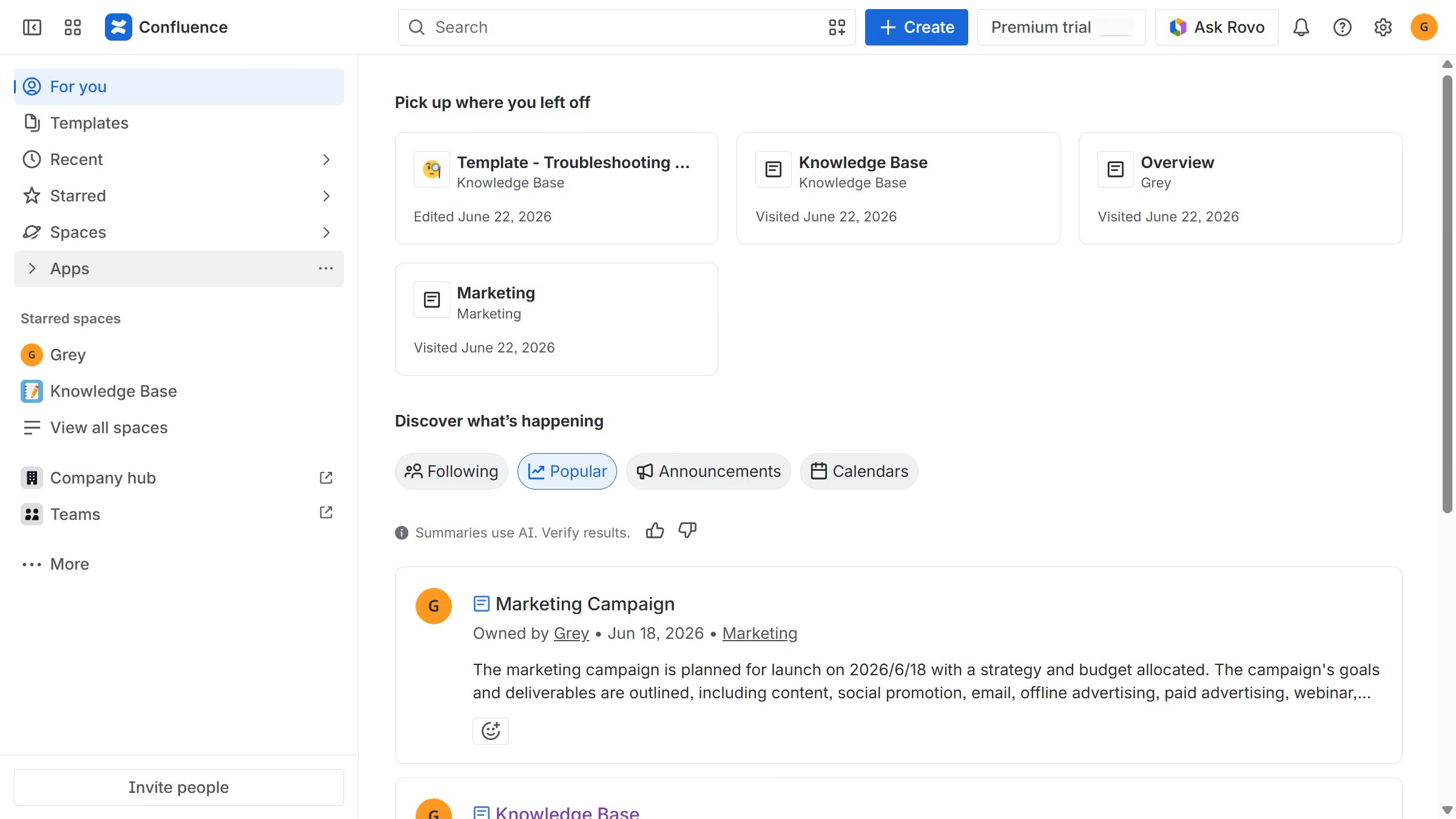
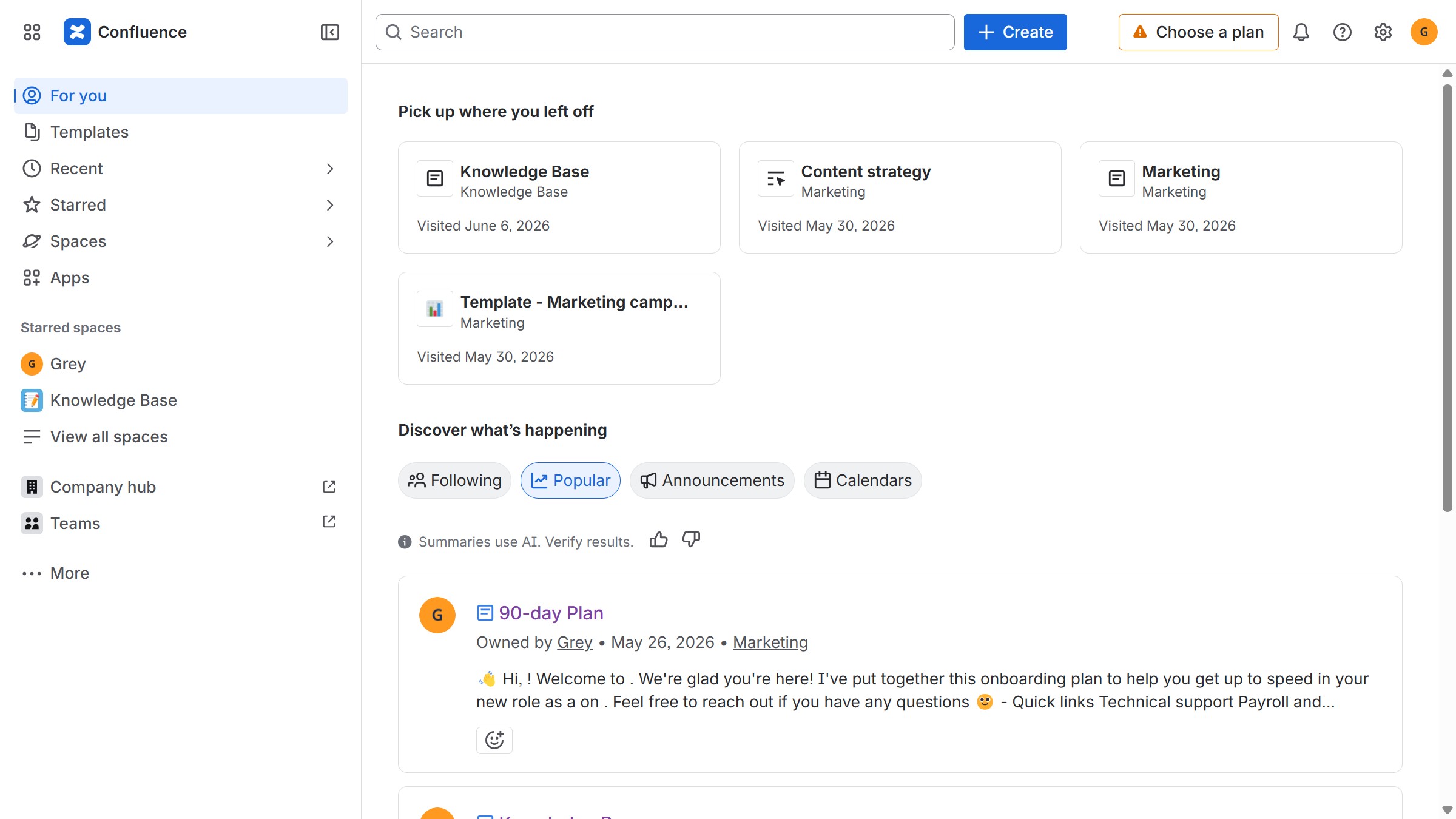
  1. First click on "Spaces" in the left sidebar
  2. Next click on the "View all spaces" option
  3. From the list, click the space you want to manage to open it
  4. Then click on the "three dots" button next to the space name in the sidebar
  5. From the dropdown menu, select the "Space settings" option
  6. In the left sidebar, click on "General"
  7. Next, select the "Avatars and status" menu
  8. Then, locate the "Content statuses" option
  9. Finally, turn the toggle on or off depending on your preference to enable or disable content statuses in the space

Create your own interactive guide with Guideflow

Why should you manage content statuses in a Confluence space

Confluence is a powerful collaboration tool designed to organize and share your team's knowledge.

Managing content statuses in a Confluence space enhances workflow clarity by allowing team members to easily track the progress of documents and projects. Each status reflects a step in your workflow, ensuring everyone knows what needs attention and what is complete.

This feature promotes transparency, boosts productivity, and keeps your team aligned, all without the hassle of endless back-and-forth communication.


Last update
June 12, 2026
Cursor MariaA cursor points to a button labeled "James."

Create your first demo in less than 30 seconds.