How to filter apps by Migration use case in the Confluence Marketplace
Here is how to filter apps by migration use case in the confluence marketplace
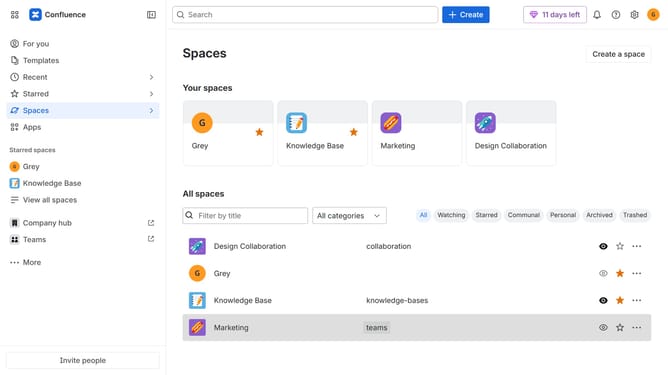
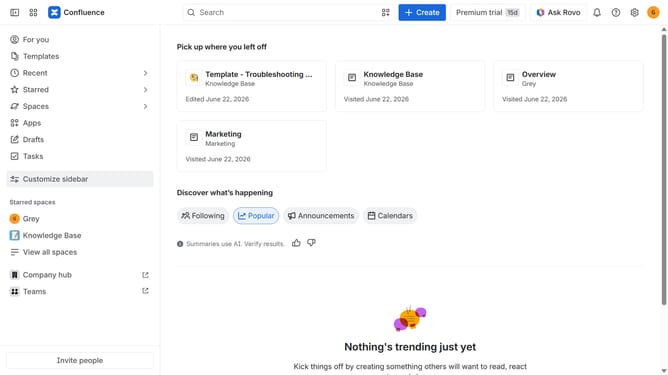
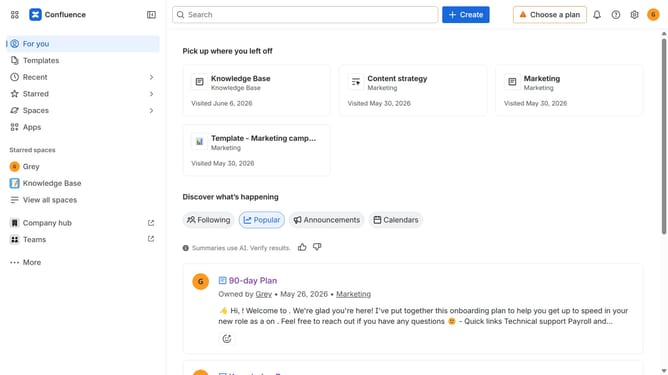
- First click on "Apps" in the left sidebar
- Next, click on the "Explore more apps" option
- Click on the "Use cases" filter below the search bar
- Then, select the "Migration" checkbox
- Optionally, select additional use case options
Why should you filter apps by Migration use case in the Confluence Marketplace
Confluence is a collaborative workspace that empowers teams to create, share, and manage content effectively.
The Confluence Marketplace offers an easy way to enhance your platform with diverse apps. By filtering apps by Migration use cases, users can tailor selections to their specific migration needs.
This feature is vital for efficiently managing transitions and ensuring compatibility, streamlining the experience for smoother and more strategic integrations.
Utilizing this filter means you save time, reduce risk, and optimize tool functionality for seamless migrations.
Last update