Confluence
Confluence is a team workspace platform for companies to create, organize, and collaborate on documents, project plans, and internal knowledge in one shared place.
Website
Industry
Collaboration
Share this article:

How to export a space in Confluence

Here is how to export a space in confluence

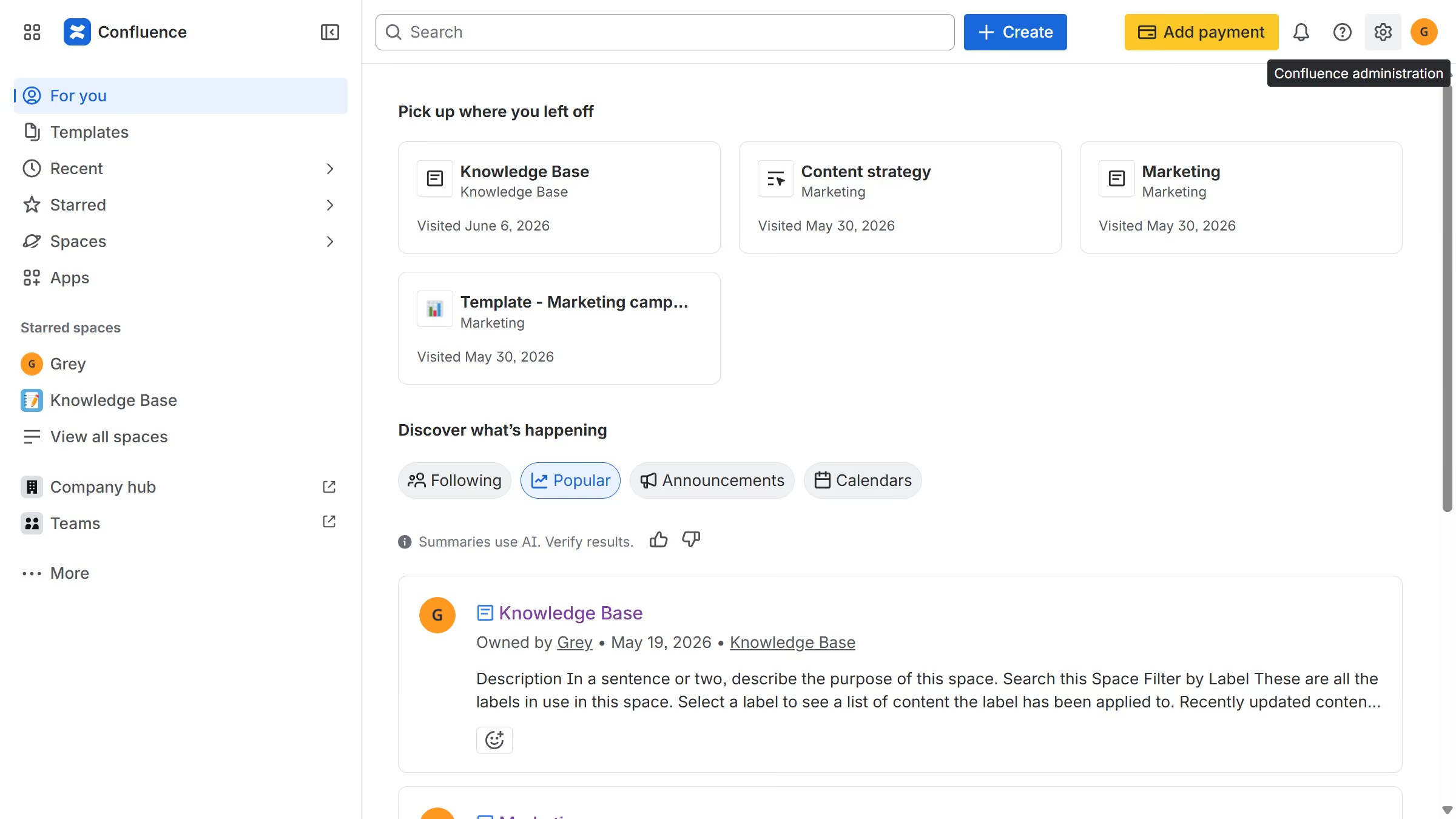
  1. First click on "Spaces" in the left sidebar
  2. Next click on the "View all spaces" option from the pop-up menu
  3. Click on the space you want to export to open it
  4. In the left sidebar, click on the three dots menu next to the space name
  5. After that, click on "Space settings" in the dropdown menu
  6. In the left panel, click on "General"
  7. Then, click on "Export space" in the submenu
  8. Next, choose the export format you want to export the space to
  9. Next, select the content options you want to include in the export
  10. Once done, click on the "Export Space" button
  11. The export process will now begin
  12. Finally, once done click the “Download” button to download the exported file in your selected format

Create your own interactive guide with Guideflow

Why should you export a space in Confluence

Confluence is a powerful collaborative workspace designed to enhance team productivity and knowledge sharing.

One standout feature is the ability to export a space, allowing for effortless backup and distribution of important content.

This feature is essential for safeguarding information, ensuring that data remains available even outside the digital platform. By exporting, teams can also facilitate smoother collaboration, sharing copies of workspaces with stakeholders who may not have immediate Confluence access.

The export function significantly enhances flexibility, making it easier for businesses to maintain continuity and ease of information dissemination.


Last update
June 12, 2026
Cursor MariaA cursor points to a button labeled "James."

Create your first demo in less than 30 seconds.