How to filter apps by IT Support use case in the Confluence Marketplace
Here is how to filter apps by it support use case in the confluence marketplace
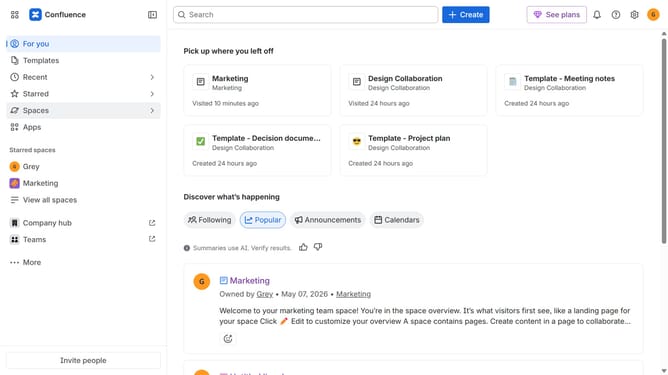
- First click on "Apps" in the left sidebar
- Next, click on the "Explore more apps" option
- Click on the "Use cases" filter below the search bar
- Then, select the "IT Support" checkbox
- Optionally, select additional use case options
Why should you filter apps by IT Support use case in the Confluence Marketplace
Confluence is a powerful collaboration tool designed to seamlessly connect teams and organize work.
Filtering apps by IT Support use case in the Confluence Marketplace streamlines the selection process, allowing users to find targeted solutions quicker than ever.
This feature provides a tailored browsing experience, significantly enhancing efficiency and fostering productivity by aligning the right tools with specific IT support needs.
Ultimately, this capability ensures teams can swiftly integrate the most relevant apps, driving effective support operations and robust IT infrastructures.
Last update