How to install Refined Sites in Confluence
Here is how to install refined sites in confluence
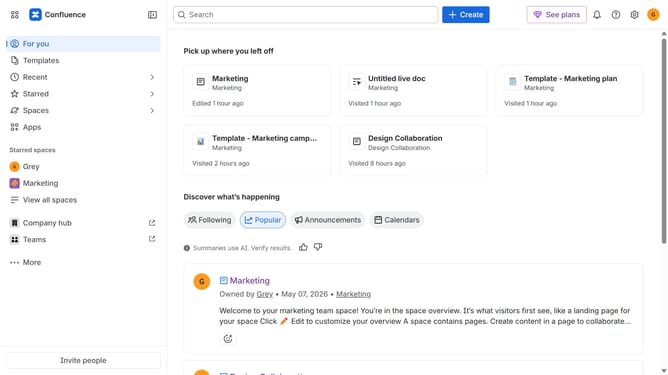
- First click on "Apps" in the navigation
- Next, select the "Explore more apps" option
- From the list, locate "Refined Sites for Confluence" and click on it to open the app details page
- After that, click on the "Try it free" button
- Select the app edition and confirm the Confluence site where it will be installed
- Then click on the "Review" button to proceed
- Review the app details, permissions, and other information
- Finally, click on the "Start free trial" button
Why should you install Refined Sites in Confluence
Confluence serves as a collaborative workspace, enabling teams to create, share, and manage project information efficiently.
Installing Refined Sites in Confluence enhances this experience by offering a more organized and visually appealing arrangement of content. This feature transforms standard Confluence pages into user-friendly, branded sites tailored to your needs.
By integrating Refined Sites, teams benefit from improved navigation and discoverability, fostering a more intuitive project management environment.
Last update