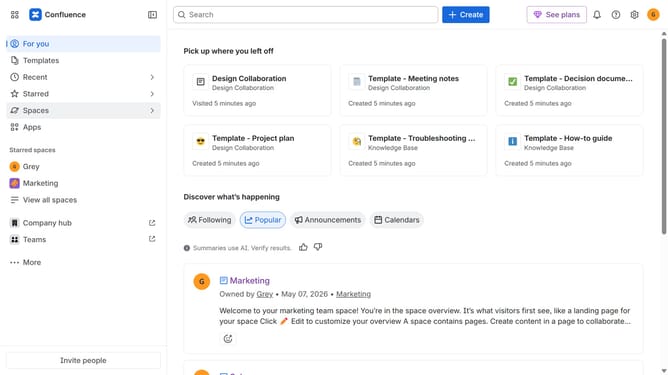
How to filter communal spaces in Confluence
Here is how to filter communal spaces in confluence
- First, click on "Spaces" in the left sidebar
- Next, select "View all spaces" in the dropdown menu
- Then, locate the filter options at the top of the spaces list
- Finally, click on the "Communal" option to filter the spaces
Why should you filter communal spaces in Confluence
Confluence is a powerful collaborative workspace designed to help teams organize their work and share knowledge efficiently.
The “filter communal spaces” feature allows users to streamline their workspace by focusing on areas that matter most to them. By specifying what communal content to review, teams can cut through clutter, enhancing productivity and clarity.
Utilizing this filtering capability supports smoother collaboration and boosts focus, ensuring team members access relevant information swiftly, resulting in more seamless project management and execution.
Last update