How to filter Marketplace apps by trust signals in Confluence
Here is how to filter marketplace apps by trust signals in confluence
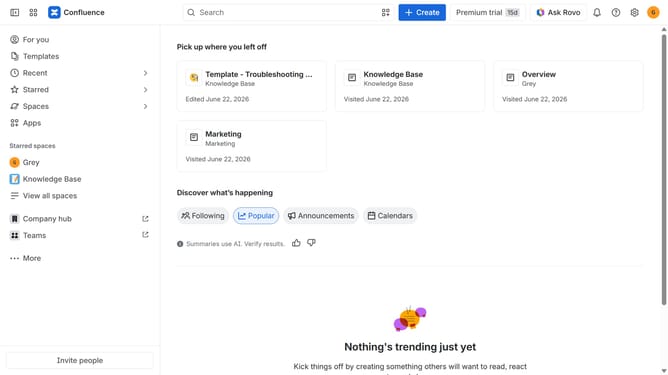
- First click on "Apps" in the left sidebar
- Next, click on the "Explore more apps" option
- Click on the "Trust signals" filter below the search bar
- Then, select the trust signal options you want to apply from the dropdown menu
Why should you filter Marketplace apps by trust signals in Confluence
Confluence is a dynamic team collaboration software designed to enhance productivity and knowledge sharing.
Filtering Marketplace apps by trust signals in Confluence allows users to quickly pinpoint reliable and valuable applications for their specific needs.
This feature ensures that teams can confidently integrate high-quality tools, enhancing their workflow efficiency and security.
By leveraging trust signals, users reduce the risk of adopting underperforming or insecure applications, making it a vital component in maintaining streamlined operations.
Last update