How to delete a shortcut link in Confluence
Here is how to delete a shortcut link in confluence
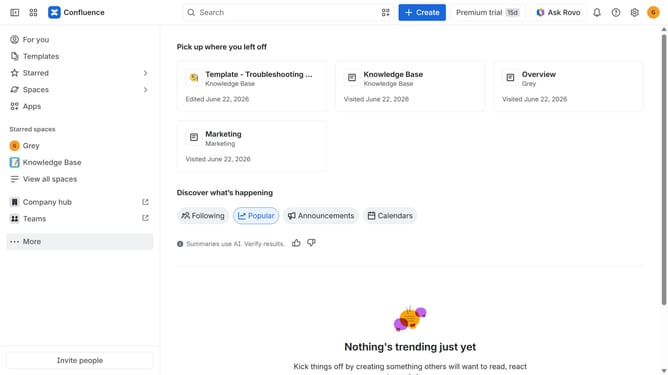
- First, click on the gear icon in the header to open Confluence administration
- Click on "Configuration" in the left sidebar
- Next click on "Shortcut links" in the submenu
- Then, locate the shortcut link you want to remove
- Finally, click on the "Delete" option next to the shortcut link
Why should you delete a shortcut link in Confluence
Confluence is a dynamic collaboration tool designed to facilitate seamless teamwork and information sharing within organizations.
Deleting a shortcut link in Confluence is a quick and efficient way to maintain the relevance and clarity of your workspace. It's an essential feature that allows you to declutter navigation and focus on the resources that matter most to your team.
By removing outdated or unnecessary links, you ensure that everyone can easily access the most pertinent and up-to-date information, enhancing productivity and streamlining workflows. This feature helps maintain a well-organized and efficient platform, contributing to a more effective collaborative environment.
Last update