How to change the administrator role used by Company Hub access defaults in Confluence
Here is how to change the administrator role used by company hub access defaults in confluence
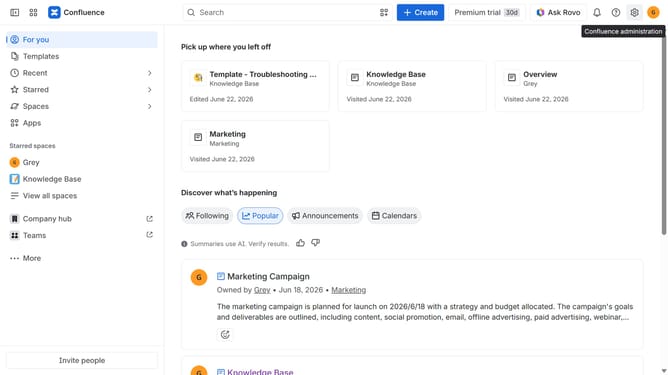
- First click on the settings icon in the top right corner to open confluence administration
- In the sidebar, click on "Permissions"
- Next, click on "System operations" in the submenu
- Locate the "Company Hub access defaults" system operation for All Confluence admins
- After that, click on the role dropdown next to it
- Then, select the new role you want to use from the dropdown menu
- Finally click on the "Change role" button to confirm
Why should you change the administrator role used by Company Hub access defaults in Confluence
Confluence is a dynamic collaboration tool designed to enhance team productivity and facilitate efficient project management.
One standout feature is the ability to change the administrator role for Company Hub access defaults. This empowers organizations to maintain control and streamline user permissions effortlessly.
Flexibility is key, and this feature ensures that access management can be customized to meet evolving business needs, enhancing security and fostering a more streamlined administrative process.
Ultimately, this results in a more agile, responsive, and organized workspace, where tasks are managed with precision and clarity.
Last update