How to manage calendar features in a Confluence space
Here is how to manage calendar features in a confluence space
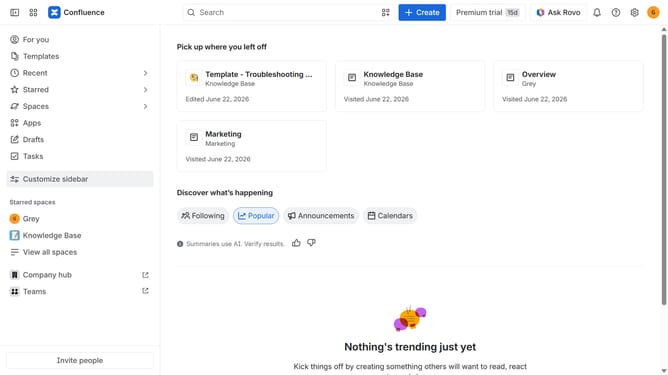
- First click on "Spaces" in the left sidebar
- Next click on the "View all spaces" option
- From the list of spaces, select the space you want to manage features for
- Then click on the "three dots" button next to the space name in the sidebar
- From the dropdown menu, select the "Space settings" option
- Next click the "General" menu in the left sidebar
- Select "Features" from the submenu
- Then, locate the “Calendars” feature in the Features section
- Finally, turn the toggle on or off depending on your preference to enable or disable calendar features for the space
Why should you manage calendar features in a Confluence space
Confluence is a robust collaboration tool that enables teams to create, share, and manage projects seamlessly.
Managing calendar features in a Confluence space amplifies team synchronization by centralizing event schedules and deadlines.
Utilizing these features allows members to easily visualize project timelines, ensuring everyone is aligned and on track.
This integration fosters transparency and enhances productivity, reducing the likelihood of missed appointments and overlapping schedules.
Last update