How to disable likes and reactions in Confluence
Here is how to disable likes and reactions in confluence
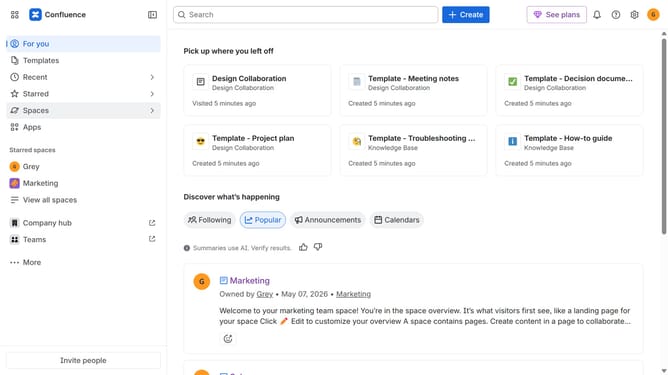
- First click on the gear icon in the top right header to open the Confluence administration menu
- Find "Settings" in the Confluence administration menu
- Next click on "Configuration"
- After that, select "General configuration" in the submenu
- In the Confluence setup section, locate "Likes/reactions"
- Then, uncheck the checkbox to disable the option
- Finally click on the "Save configuration changes" button to apply the changes
Why should you disable likes and reactions in Confluence
Confluence is an intuitive workspace designed to team up and share information effortlessly.
Disabling likes and reactions in Confluence can streamline communications by focusing on essential content without distractions.
It helps create a distraction-free environment where the team can prioritize clarity over social engagement.
This feature ultimately fosters a more deliberate conversation flow, aligning discussions closely with project goals.
Last update