Confluence
Confluence is a team workspace platform for companies to create, organize, and collaborate on documents, project plans, and internal knowledge in one shared place.
Website
Industry
Collaboration
Share this article:

How to filter space members by view-only role in Confluence

Here is how to filter space members by view-only role in confluence

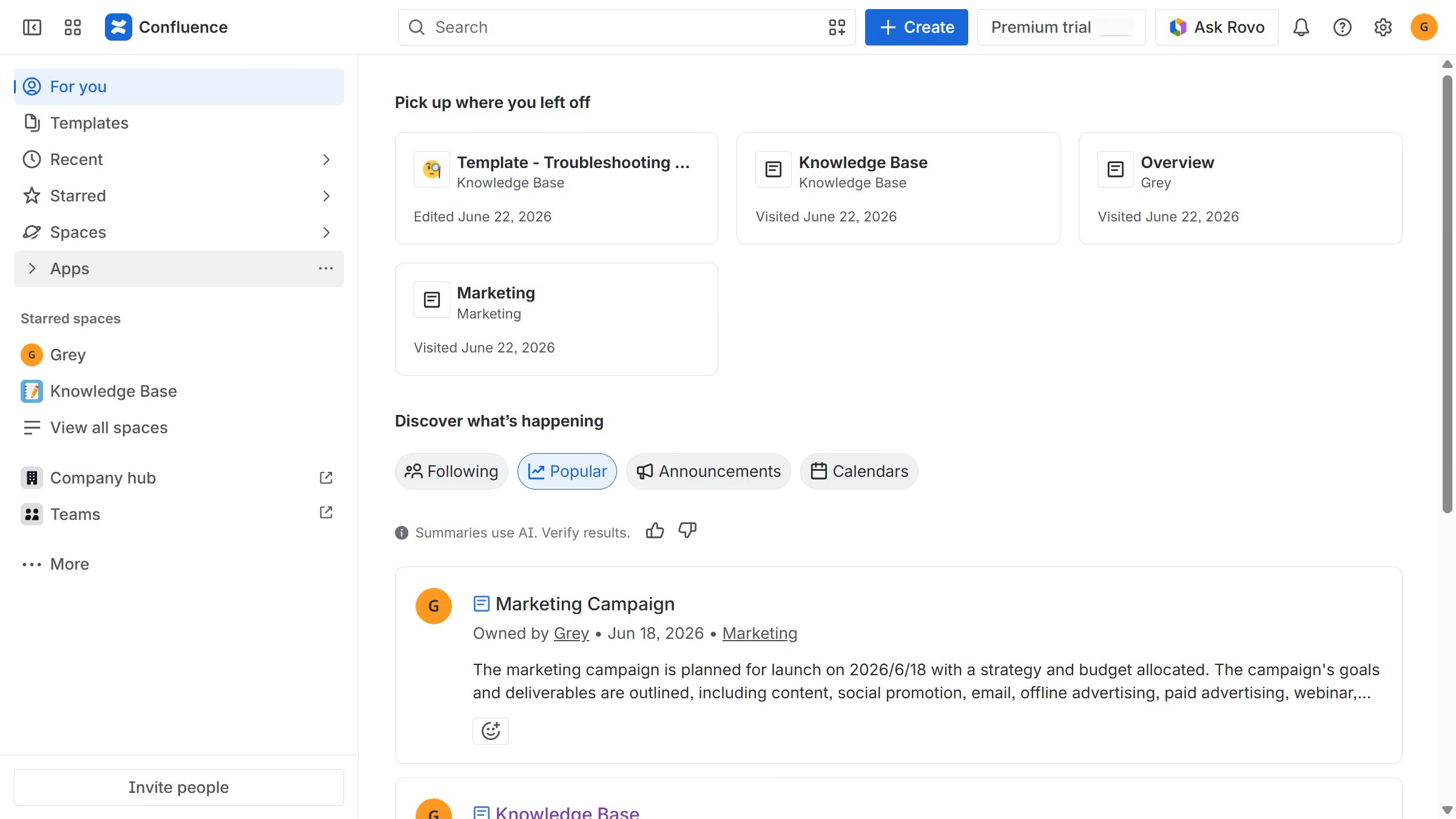
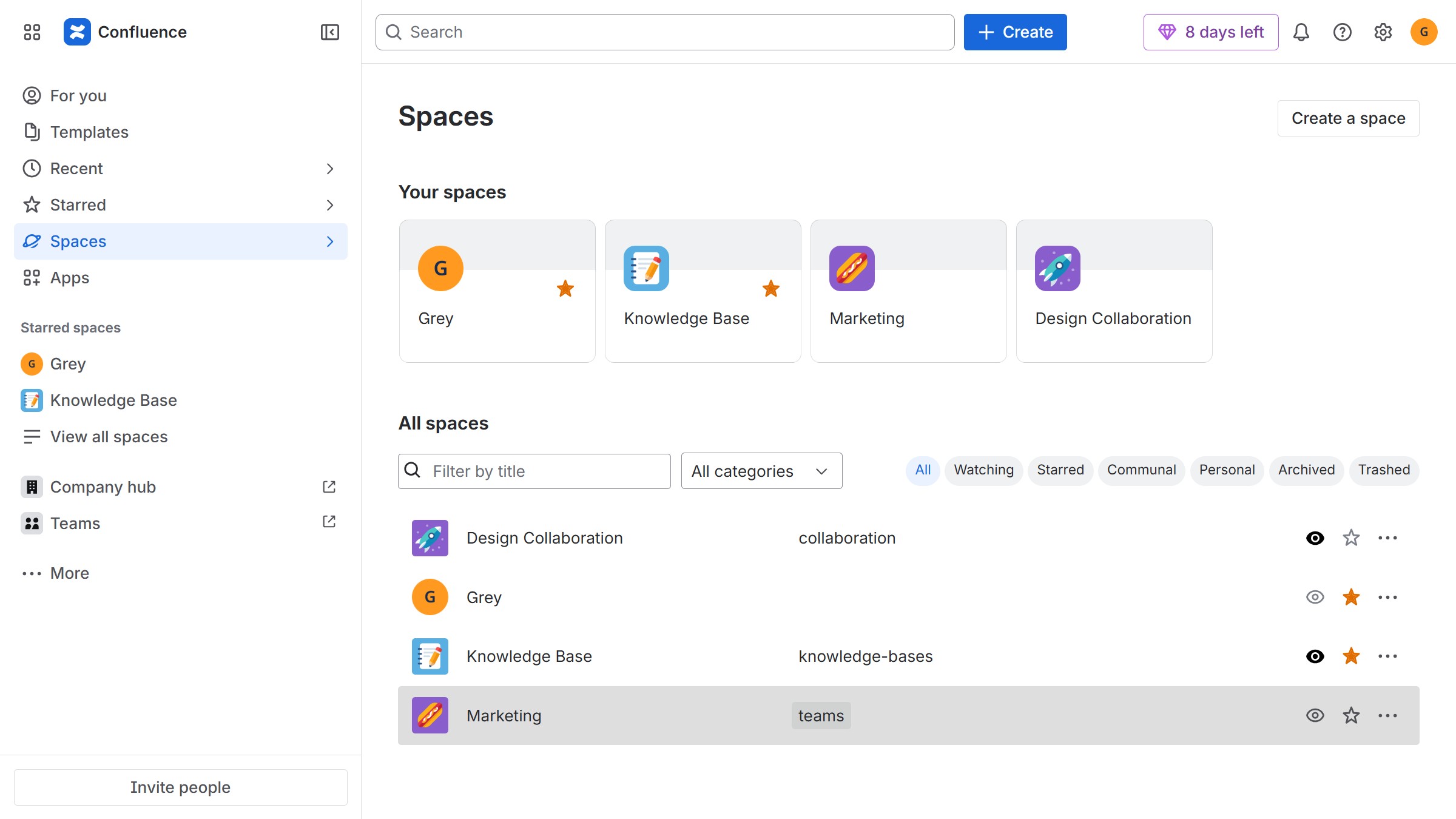
  1. First, navigate to the spaces list page and open the space you want to manage
  2. In the left sidebar, click on the three dots menu next to the space name
  3. Next, click on "Space settings" in the dropdown menu
  4. After that, click on "Users" in the left sidebar
  5. Then, click on the "Role" dropdown
  6. Finally select "View only" from the dropdown menu

Create your own interactive guide with Guideflow

Why should you filter space members by view-only role in Confluence

Confluence is a collaborative workspace that helps teams organize and share knowledge efficiently.

The ability to filter space members by view-only role in Confluence enhances visibility and streamlines team management.

This feature is beneficial for quickly identifying team members who have restricted access, thus ensuring sensitive information remains controlled.

Utilizing this feature fosters a secure and organized environment, promoting effective teamwork while maintaining data integrity.

Last update
June 12, 2026
Cursor MariaA cursor points to a button labeled "James."

Create your first demo in less than 30 seconds.