How to filter apps by the Checklist use case in the Confluence Marketplace
Here is how to filter apps by the checklist use case in the confluence marketplace
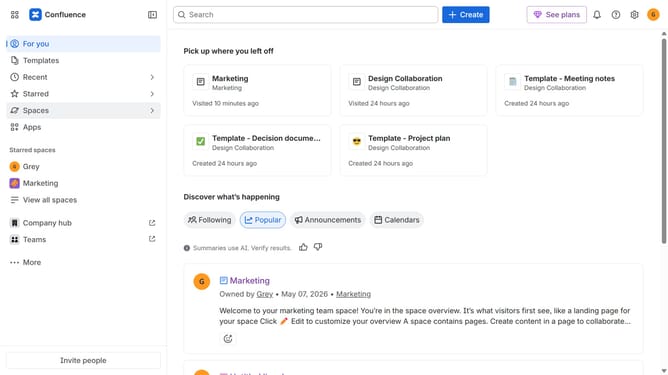
- First click on the "Apps" in the left sidebar
- Next, click on the "Explore more apps" option
- Click on the "Use cases" filter in the top menu bar
- Then, select the "Checklist" checkbox
- Optionally, select additional use case options
Why should you filter apps by the Checklist use case in the Confluence Marketplace
Confluence is a versatile collaboration tool designed to help teams organize and share knowledge effortlessly.
Filtering apps by the Checklist use case in the Confluence Marketplace streamlines your search for the right tools that enhance productivity and task management.
This feature ensures you find apps specifically tailored to create, manage, and track checklists, simplifying your workflow and boosting team efficiency.
Utilizing this targeted search saves time and ensures you equip your Confluence environment with apps that meet your unique checklist needs.
Last update