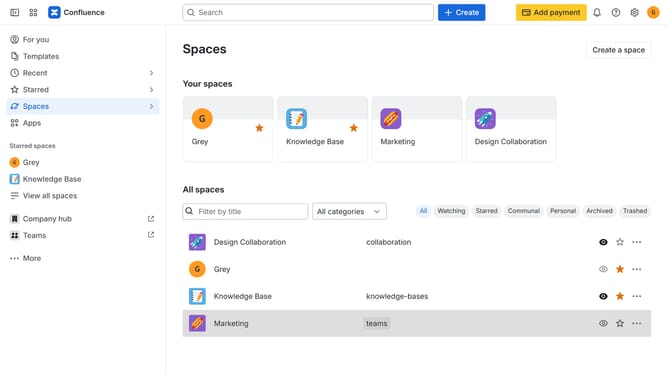
How to receive weekly recommendation messages in Microsoft Teams from Confluence
Here is how to receive weekly recommendation messages in microsoft teams from confluence
- First click on the gear icon in the top right corner
- Find "Settings" in the Confluence administration menu
- Next, click on the "Configuration" option
- Select "Notifications" from the expanded settings menu
- After that, locate the "Microsoft Teams settings" section
- Then check the "Recommendation Microsoft Teams message" checkbox to enable the option
- Finally, click on the "Save Microsoft Teams setting changes" button
Why should you receive weekly recommendation messages in Microsoft Teams from Confluence
Confluence is a collaborative workspace where ideas meet efficiency.
Receiving weekly recommendation messages in Microsoft Teams from Confluence enhances team productivity by keeping everyone aligned with actionable insights.
This seamless integration ensures that vital information never slips through the cracks by providing personalized updates directly in your communication hub.
Ultimately, this feature aids in informed decision-making, reducing time spent searching for data and improving overall workflow efficiency.
Last update