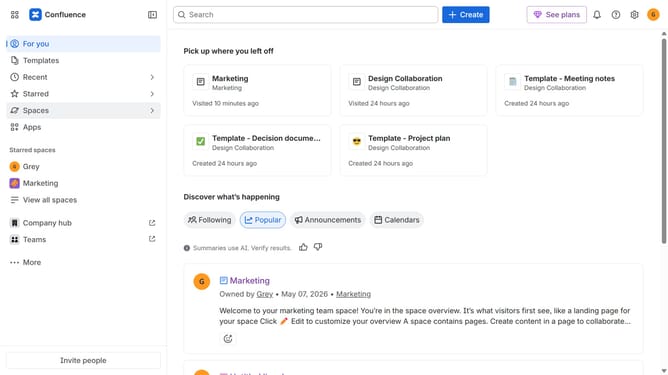
How to filter apps by Infographics use case in the Confluence Marketplace
Here is how to filter apps by infographics use case in the confluence marketplace
- First click on "Apps" in the left sidebar
- Next, click on the "Explore more apps" option
- Click on the "Use cases" filter below the search bar
- Then, select the "Infographics" checkbox
- Optionally, select additional use case options
Why should you filter apps by Infographics use case in the Confluence Marketplace
Confluence is a collaborative workspace where knowledge and teamwork merge seamlessly.
In the Confluence Marketplace, easily filtering apps by Infographics use case refines your search to match exact needs. This feature empowers teams by narrowing the options to those that best visualize data, enhancing comprehension.
Utilizing this filtering capability saves time by swiftly presenting apps tailored to your specific requirements. Ultimately, it optimizes team productivity and communication through effective visual storytelling tools.
Last update