How to view personal spaces in Confluence
Here is how to view personal spaces in confluence
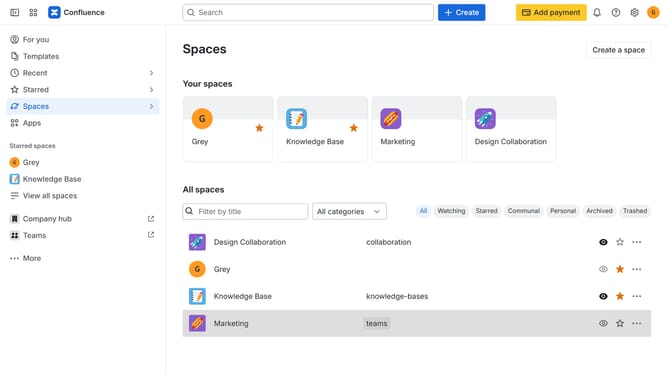
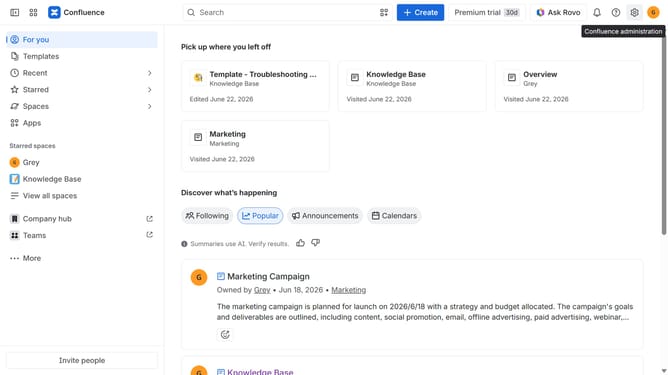
- First, click on "Spaces" in the left sidebar
- Next, select "View all spaces" in the dropdown menu
- Then, locate the filter options at the top of the spaces list
- Finally, click on the "Personal" option to filter the spaces
Why should you view personal spaces in Confluence
Confluence is a dynamic collaboration tool that enhances teamwork and knowledge sharing.
Viewing personal spaces in Confluence allows you to manage and organize your own work effectively. This feature ensures that you maintain control over your projects and ideas, keeping private drafts separate from public workspaces.
By accessing personal spaces, you can tailor your environment to better fit your needs, fostering productivity and creativity. It’s an empowering way to structure your digital workspace, ensuring a balance between sharing with your team and personal management.
Last update