How to enable daily digest Slack messages in Confluence
Here is how to enable daily digest slack messages in confluence
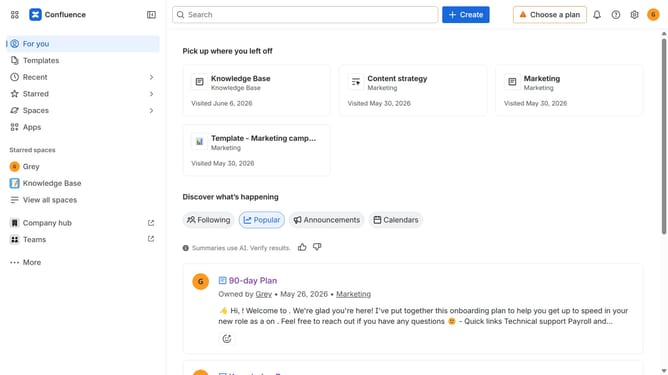
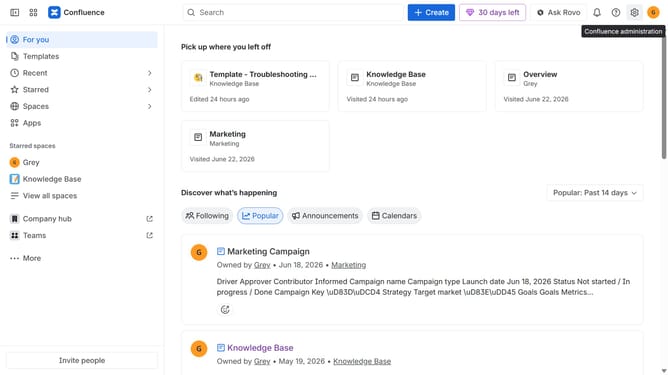
- First click on the gear icon in the top right corner
- Find "Settings" in the Confluence administration menu
- Next, click on the "Configuration" option
- Select "Notifications" from the expanded settings menu
- After that, locate the "Slack settings" section
- Then check the "Daily Digest Slack message" checkbox to enable it
- Finally, click on the "Save Slack setting changes" button
Why should you enable daily digest Slack messages in Confluence
Confluence is a dynamic collaboration tool designed to help teams share knowledge and collaborate efficiently.
Enabling daily digest Slack messages in Confluence effortlessly streamlines communication, keeping team members informed.
This feature ensures that everyone receives a concise update of the day's activities without information overload.
By integrating Confluence with Slack, teams can enhance productivity, ensuring important updates never slip through the cracks.
Last update