Confluence
Confluence is a team workspace platform for companies to create, organize, and collaborate on documents, project plans, and internal knowledge in one shared place.
Website
Industry
Collaboration
Share this article:

How to unstar a page in Confluence

Here is how to unstar a page in confluence

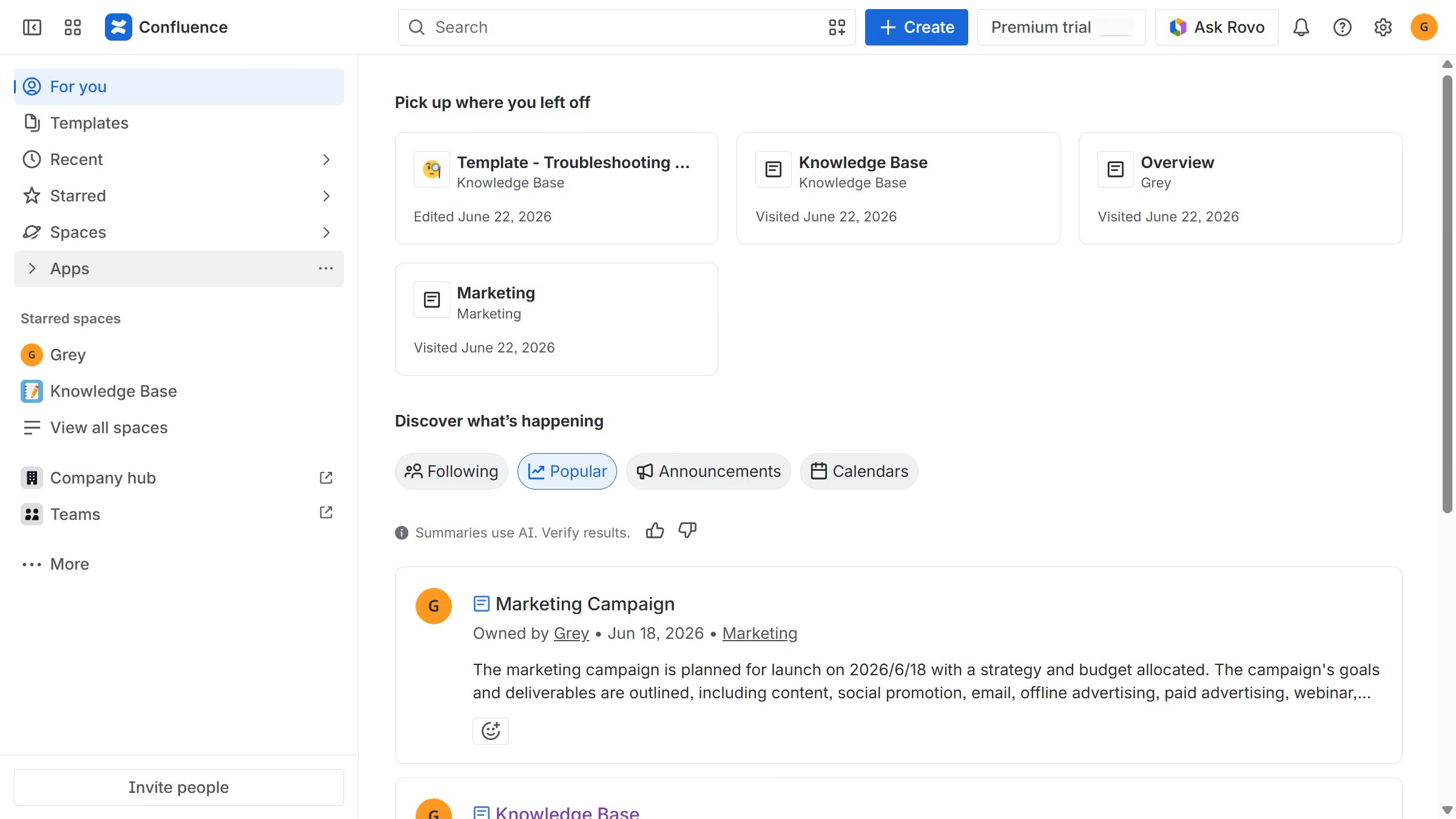
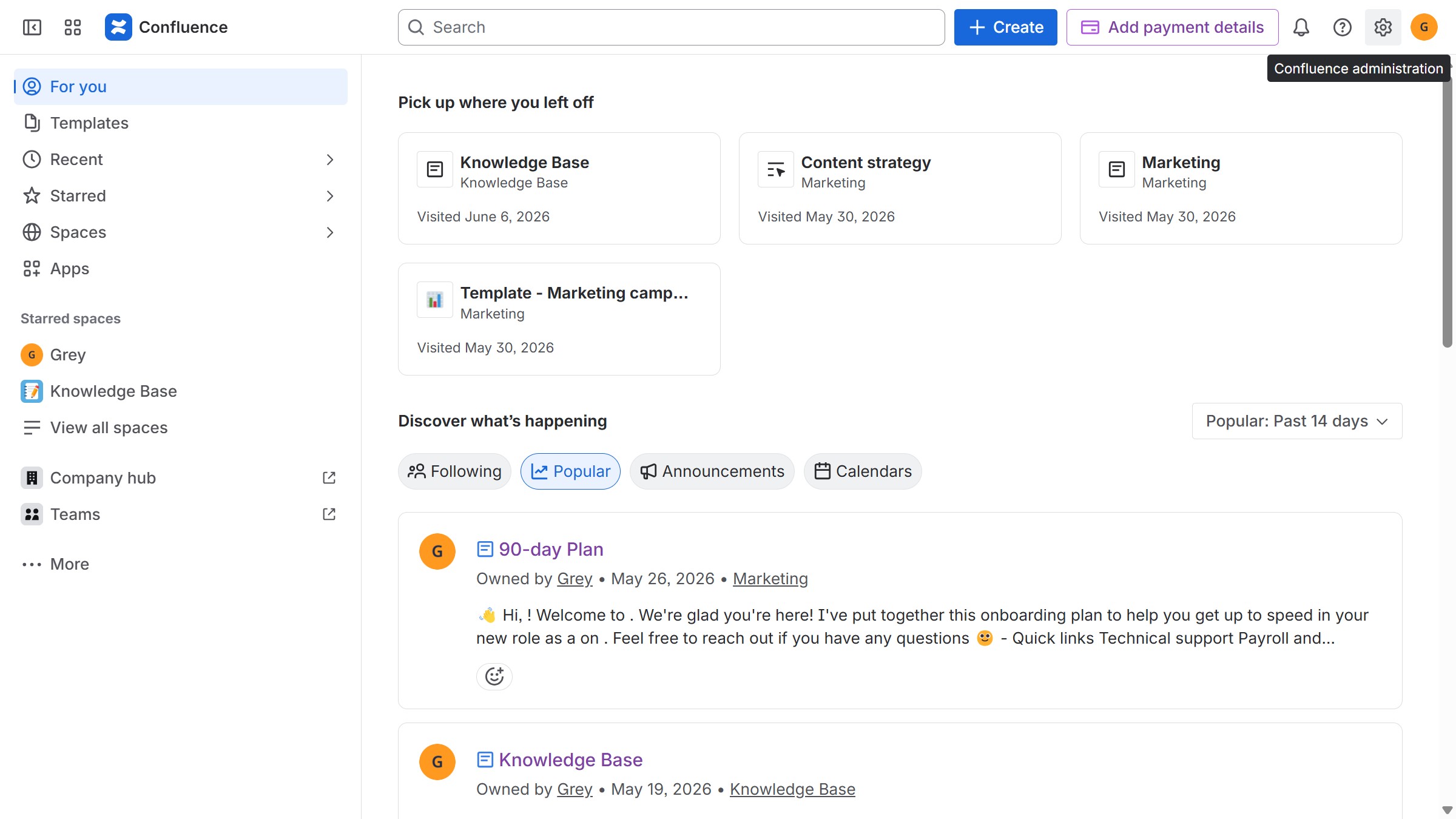
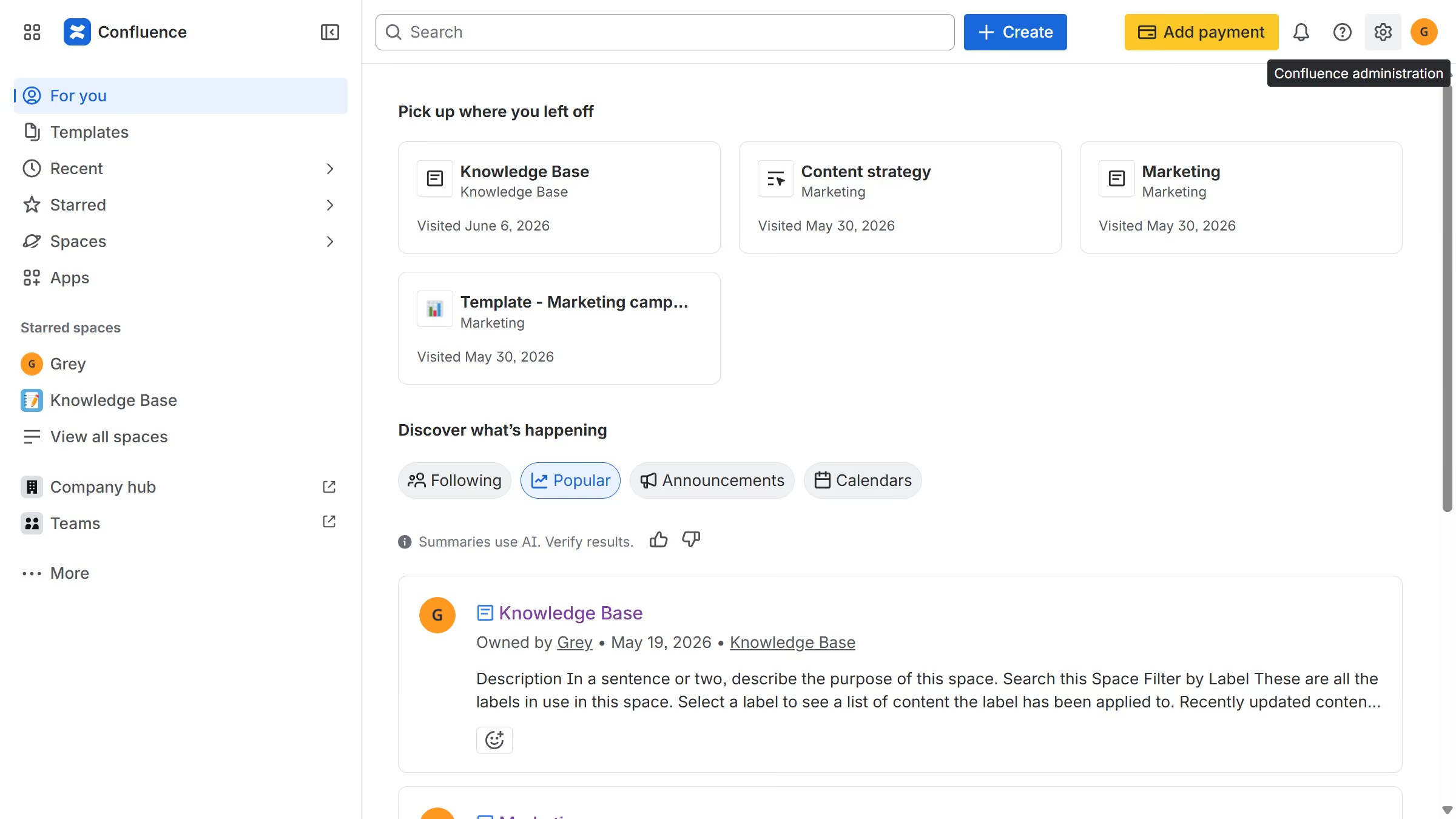
  1. First, navigate to the spaces list page and open the space that contains the page
  2. In the left sidebar, click on the page you want to unstar under "Content"
  3. Next, click on the "three dots" button in the top right corner
  4. Then click on the "Unstar" option from the dropdown menu

Create your own interactive guide with Guideflow

Why should you unstar a page in Confluence

Confluence is a dynamic collaboration tool designed to help teams effectively organize their work and share ideas seamlessly.

Unstarring a page in Confluence allows you to declutter your workspace by removing unnecessary or outdated items from your favorites list. This helps you keep your most relevant projects and pages easily accessible without distractions.

This feature is particularly beneficial for maintaining focus and ensuring that your workflow remains efficient, as it prevents you from getting overwhelmed by too many starred items.


Last update
June 12, 2026
Cursor MariaA cursor points to a button labeled "James."

Create your first demo in less than 30 seconds.