How to filter apps by Forecasting use case in the Confluence Marketplace
Here is how to filter apps by forecasting use case in the confluence marketplace
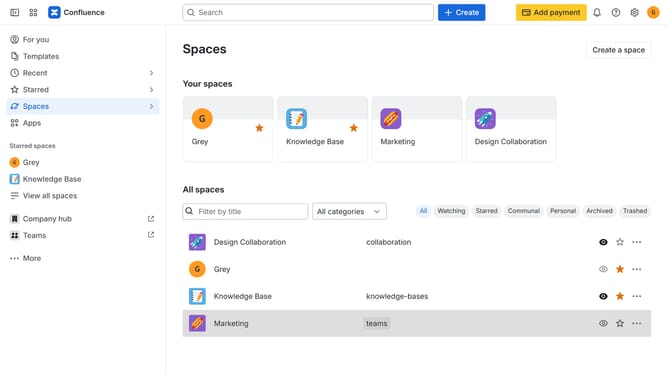
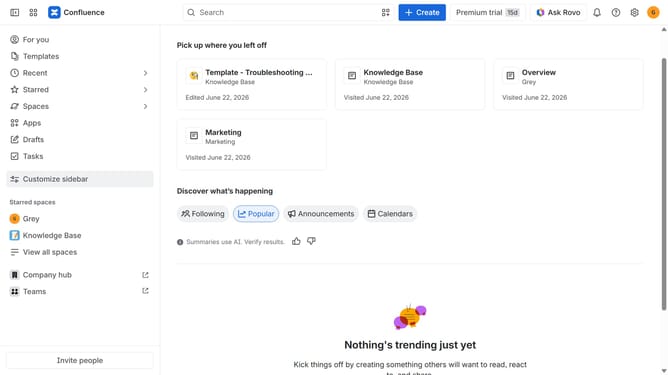
- First click on "Apps" in the left sidebar
- Next, click on the "Explore more apps" option
- Click on the "Use cases" filter below the search bar
- Then, select the "Forecasting" checkbox
- Optionally, select additional use case options
Why should you filter apps by Forecasting use case in the Confluence Marketplace
Confluence is a powerful collaborative workspace that enables teams to create, organize, and share information seamlessly.
Within the Confluence Marketplace, users can filter apps by various use cases, including Forecasting, to find tools that align with their project needs.
This feature is invaluable for users seeking specialized apps to enhance predictive capabilities, streamline planning processes, and support data-driven decision-making.
By easily narrowing down app options, teams can quickly integrate solutions that enhance productivity and strategic foresight.
Last update