How to export users from specific groups in Confluence
Here is how to export users from specific groups in confluence
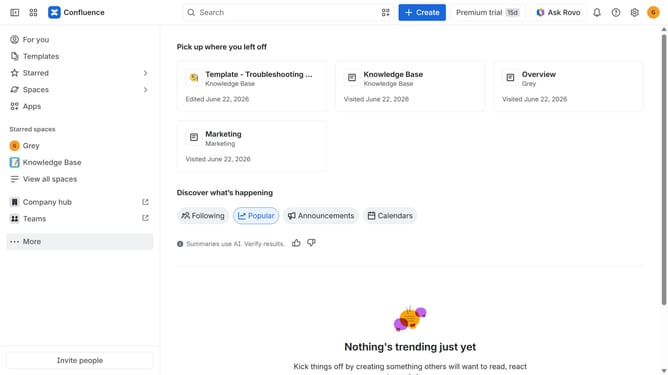
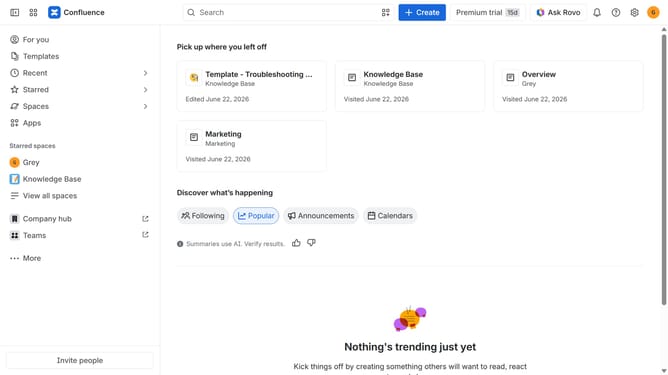
- First click on the "Switch sites or apps" button in the top left corner
- Next select "Administration" in the dropdown menu
- In the administration sidebar, click on "Directory"
- Select "Users" from the directory submenu
- Click on the three dots icon in the top right corner
- Then, click on the "Export users" option
- In the dialog box, select the "Only users in selected groups" option
- Next click on the "Add groups" field
- Then, select the groups whose users you want to export
- Optionally, choose other data you want to export
- Finally, click on the "Export" button to confirm
Why should you export users from specific groups in Confluence
Confluence is a dynamic collaboration tool designed to streamline teamwork and knowledge sharing.
The ability to export users from specific groups in Confluence simplifies managing and accessing vital team information. This feature is particularly beneficial for company audits or when updating team configurations, ensuring data accuracy without manual errors.
Efficiently exporting users means businesses can better organize workflows, enhancing decision-making processes and maintaining up-to-date records seamlessly.
Last update