How to install PocketQuery in Confluence
Here is how to install pocketquery in confluence
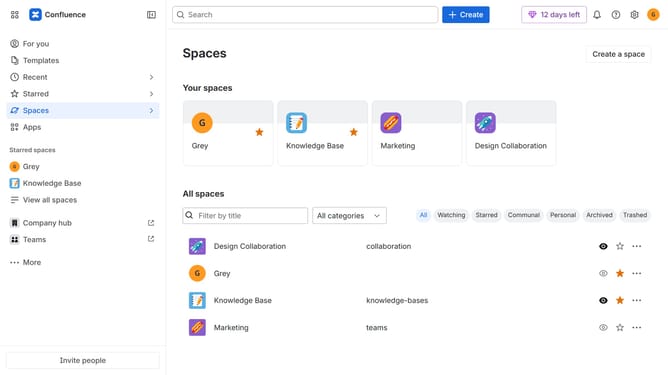
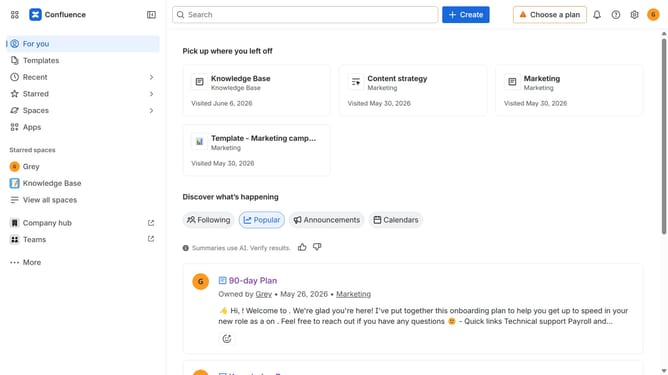
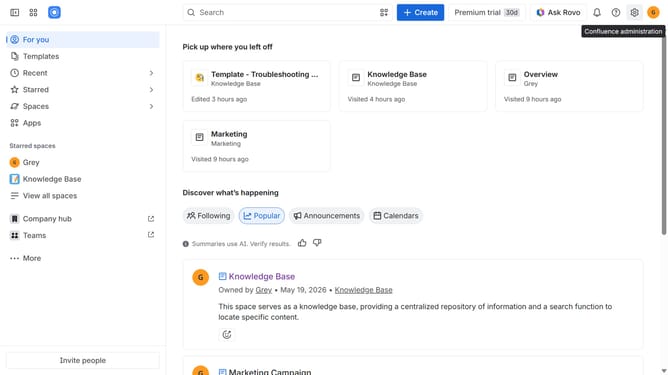
- First click on "Apps" in the navigation
- Next, select the "Explore more apps" option
- From the list, locate "PocketQuery" and click on it to open the app details page
- After that, click on the "Try it free" button
- Select the Confluence site where it will be installed
- Then click on the "Review" button to proceed
- Review the app details, permissions, and other information
- Finally, click on the "Start free trial" button
Why should you install PocketQuery in Confluence
Confluence is an intuitive collaboration tool designed to facilitate efficient teamwork and knowledge sharing.
Installing PocketQuery in Confluence enhances this platform by granting users the ability to seamlessly integrate dynamic SQL query results into their pages.
This feature empowers teams to access and display real-time data from various databases directly within Confluence, drastically improving data visibility and decision-making capabilities.
With PocketQuery, teams benefit from streamlined workflows and enhanced project management efficiency.
Last update