How to disable the Team homepage blueprint in Confluence
Here is how to disable the team homepage blueprint in confluence
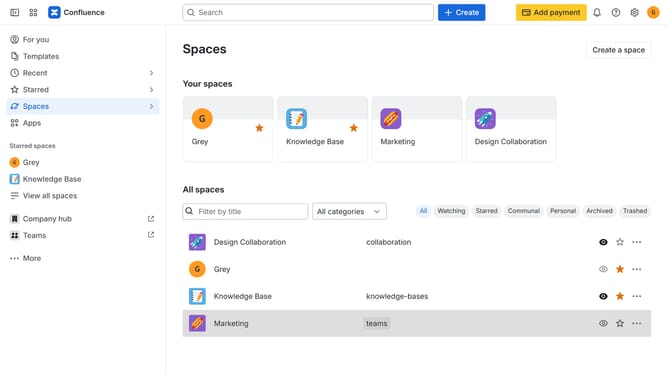
- First click on the gear icon in the top right header
- Click on "Configuration" in the left sidebar under Settings
- Next, select "Global templates and blueprints"
- After that, locate the "Global blueprints" section
- Then locate the "Team homepage" blueprint in the Global blueprints list
- Finally, turn off the toggle next to the blueprint to disable it
Why should you disable the Team homepage blueprint in Confluence
Confluence is a powerful collaboration tool designed to streamline teamwork and document sharing.
Disabling the Team homepage blueprint in Confluence is a feature that offers greater customization over your workspace. This option allows teams to focus only on the essential pages that meet their specific needs, eliminating distractions and clutter.
By tailoring Confluence to suit unique team workflows, efficiency can be enhanced as members access only relevant content. This capability provides not just clarity, but also improved team dynamics and overall productivity.
Last update