How to view the permissions for the Manager space role in Confluence
Here is how to view the permissions for the manager space role in confluence
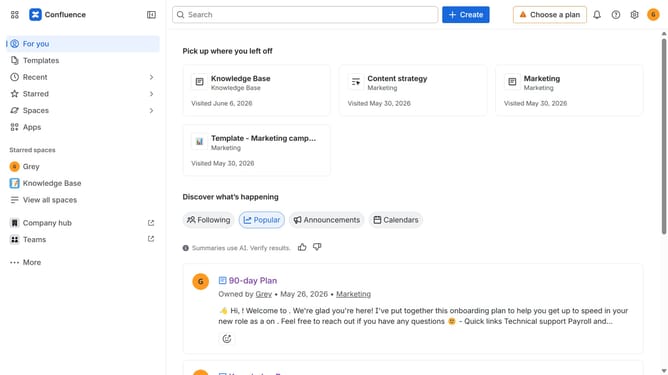
- First click on the settings icon in the top right corner to open confluence administration
- In the sidebar, click on "Permissions"
- Next, click on "Space roles" in the submenu
- After that, locate the "Manager" space role
- Next cick on the three dots next to the "Manager" role
- Then, click on "View permissions" in the dropdown menu
- In the modal that appears, you can view all permissions assigned to the Manager role
Why should you view the permissions for the Manager space role in Confluence
Confluence serves as a dynamic collaboration tool that fosters seamless knowledge sharing and documentation across teams.
Understanding how to view the permissions for the Manager space role within Confluence empowers teams to ensure the right people have access to crucial project information.
This feature provides clarity and control over who can edit, view, or manage content, fostering a streamlined workflow within collaborative spaces.
By leveraging these permissions, organizations can maintain a secure environment while enhancing productivity and cooperation among team members.
Last update