How to disable email notifications in Confluence
Here is how to disable email notifications in confluence
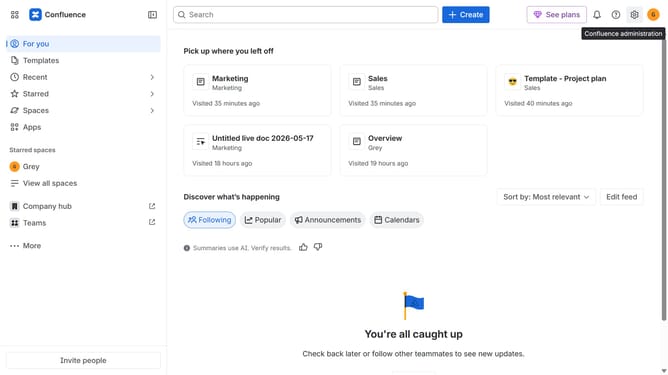
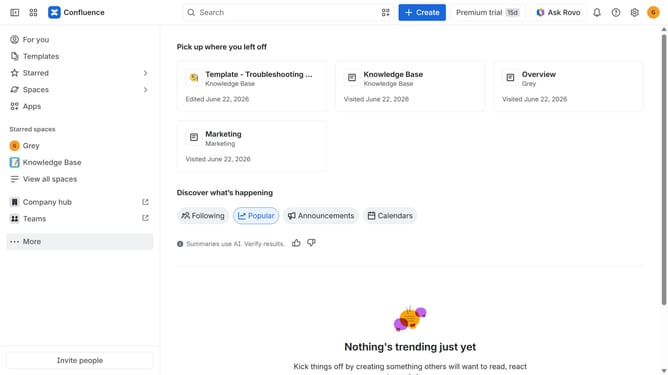
- First click on the gear icon in the top right header to open the Confluence administration menu
- Find "Settings" in the Confluence administration menu
- Next click on "Configuration"
- Then select "General configuration" in the submenu
- In the General configuration section, locate the "Email notification" option
- Then, uncheck the checkbox to disable email notifications
- Finally click on the "Save configuration changes" button to apply the changes
Why should you disable email notifications in Confluence
Confluence is a robust collaboration tool that streamlines team communication and project management.
One useful feature is the ability to disable email notifications, offering users more control over their email inbox.
This feature is particularly beneficial for individuals who prefer concentrating on tasks without frequent notifications disrupting their workflow.
With fewer email interruptions, you can focus better on what truly matters, enhancing productivity and maintaining a serene work environment.
Last update