How to change the date time format in Confluence
Here is how to change the date time format in confluence
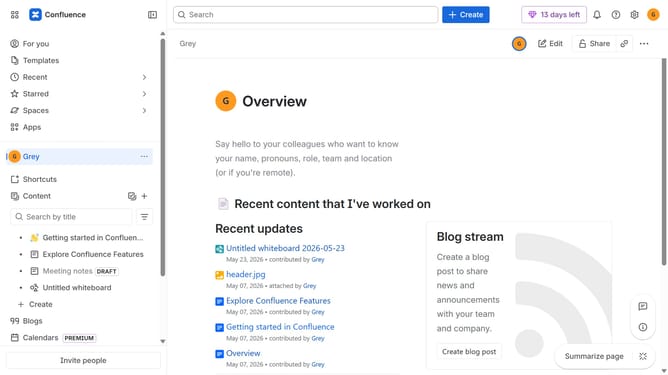
- First click on the gear icon in the top right header
- Find "Settings" in the Confluence administration menu
- Next click on "Configuration"
- After that, select "General configuration" in the submenu
- Scroll down to the "Formatting and international settings" section
- Then, enter your preferred format in the "Date time format" field
- Finally click on the "Save configuration changes" button to confirm
Why should you change the date time format in Confluence
Confluence is a dynamic collaboration workspace that enables teams to stay organized and work more efficiently.
One beneficial feature within Confluence is the ability to change the date-time format, allowing you to tailor timestamps to fit your team’s preferences. This flexibility enhances readability and reduces potential confusion, ensuring that everyone remains on the same page.
Having control over the date-time format means your documentation aligns with regional standards, fostering a more coherent and professional presentation of information. Ultimately, this feature contributes to a more streamlined and adaptable user experience.
Last update