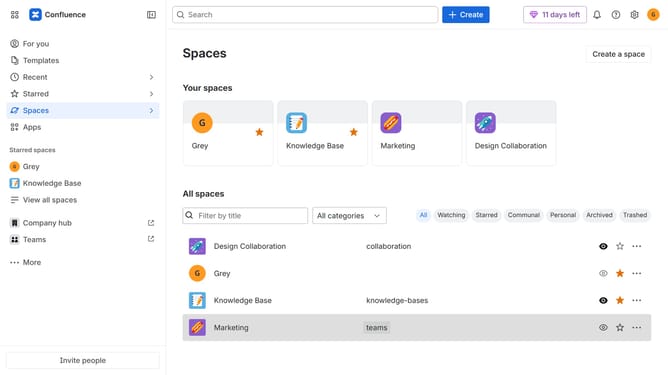
How to install External Share in Confluence
Here is how to install external share in confluence
- First click on "Apps" in the navigation
- Next, select the "Explore more apps" option
- From the list, locate "External Share for Confluence" and click on it to open the app details page
- After that, click on the "Try it free" button
- Select the Confluence site where it will be installed
- Then click on the "Review" button to proceed
- Review the app details, permissions, and other information
- Finally, click on the "Start free trial" button
Why should you install External Share in Confluence
Confluence is a dynamic collaboration tool designed to streamline team communication and productivity.
Installing the External Share feature in Confluence allows users to seamlessly share pages with external partners who don't have Confluence access.
This feature enhances collaboration by enabling easy document sharing, ensuring that external partners are up-to-date with the latest information.
By utilizing External Share, teams can maintain momentum, facilitate effective communication, and drive projects forward efficiently.
Last update