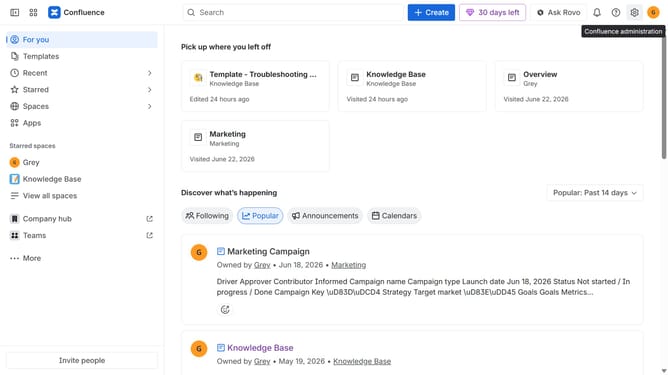
How to export a page as a Word document in Confluence
Here is how to export a page as a word document in confluence
- First, navigate to the space that contains the page you want to export
- Next, open the page you want to export from the “Content” section in the sidebar
- After that, click the "More actions" (three dots) button in the top-right corner of the page
- Then select "Export" from the dropdown menu
- Finally, select “Export to Word” from the expanded export options to download the page as a Word document
Why should you export a page as a Word document in Confluence
Confluence is a powerful collaboration tool designed to help teams create, share, and manage content efficiently.
Among its many features, the ability to export pages as Word documents stands out, offering a seamless method for converting collaborative content into a universally accessible format.
This feature is particularly beneficial when sharing information with external parties who may not have Confluence access, ensuring that crucial data is effortlessly shareable and easy to edit.
Ultimately, it enhances productivity by bridging the gap between digital platforms and traditional document processing.
Last update