Confluence
Confluence is a team workspace platform for companies to create, organize, and collaborate on documents, project plans, and internal knowledge in one shared place.
Website
Industry
Collaboration
Share this article:

How to allow public links on your Confluence site

Here is how to allow public links on your confluence site

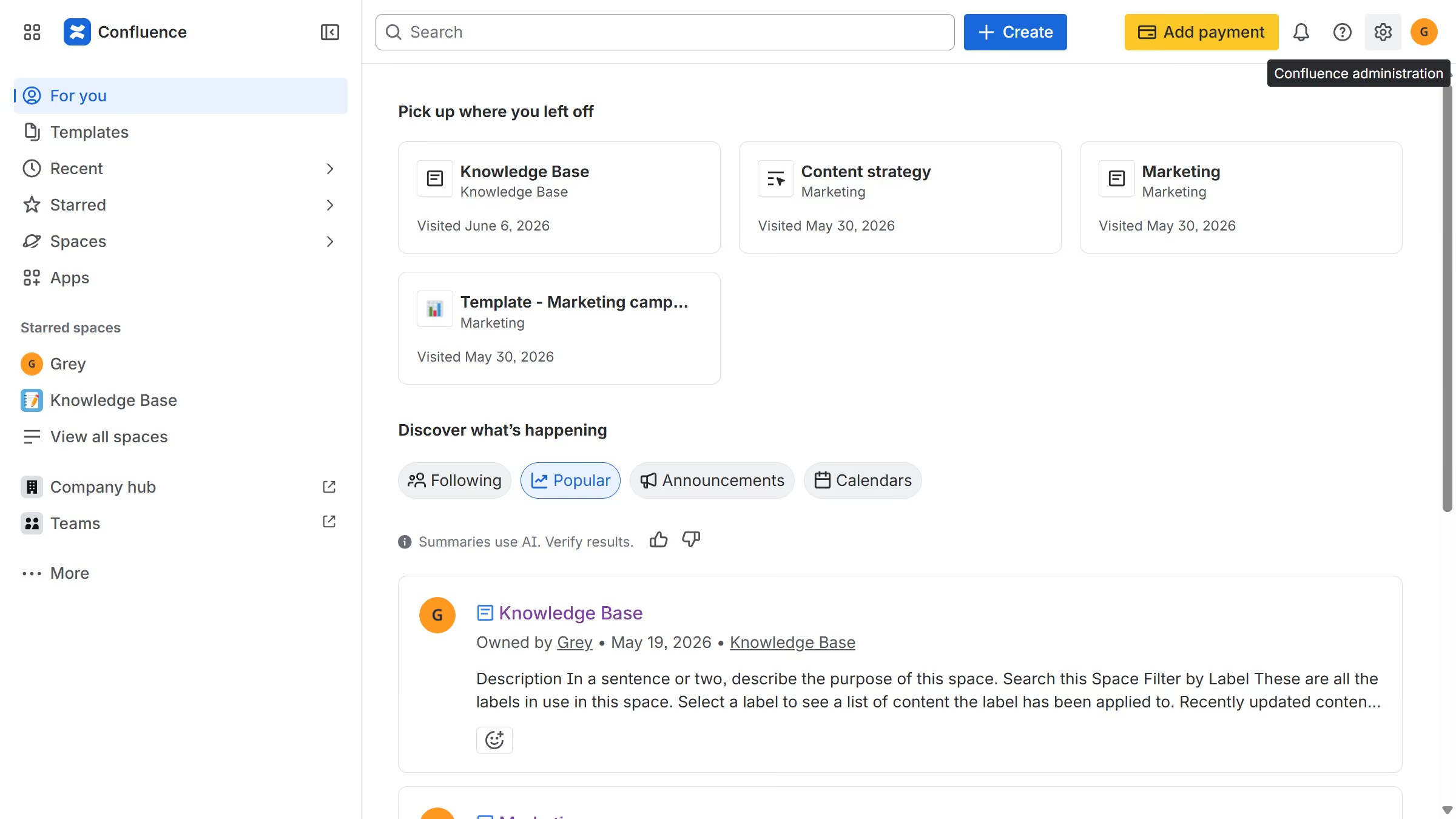
  1. First click on the gear icon in the top right header to open the Confluence administration menu
  2. Under the "Settings" section, click on "Security"
  3. After that, select the "Public links" option in the submenu
  4. Then, turn on the "Allow public links on this site" toggle
  5. Finally, click on the "Allow" button in the confirmation dialog
  6. Public links will now be allowed across the Confluence site

Create your own interactive guide with Guideflow

Why should you allow public links on your Confluence site

Confluence is a collaborative workspace designed to help teams share knowledge efficiently and effectively.

By enabling public links on your Confluence site, you can seamlessly share important pages and documents beyond your team. This feature is invaluable when you want to foster transparency and collaboration.

Allowing public links enhances accessibility, promoting engagement with external stakeholders and partners. It ensures everyone has the information they need, right when they need it.

With public links, you streamline communication and expand your network effortlessly, creating a more connected and informed environment.


Last update
June 12, 2026
Cursor MariaA cursor points to a button labeled "James."

Create your first demo in less than 30 seconds.