How to disable related content in a Confluence space
Here is how to disable related content in a confluence space
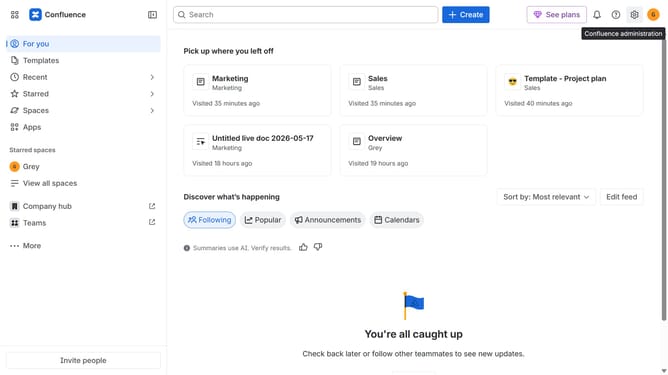
- First click on "Spaces" in the left sidebar
- Next click on "View all spaces" in the dropdown menu
- From the list of spaces, select the space you want to manage
- Click on the "More actions" button (three dots) next to the space name
- Next, select "Space settings" from the dropdown menu
- In the left sidebar, click on "General"
- Then, select the "Related content" menu
- Finally, turn off the "Related content" toggle to disable related content suggestions for the space
Why should you disable related content in a Confluence space
Confluence is a versatile collaboration tool that transforms productivity by organizing content for teams.
Disabling related content in a Confluence space allows for a cleaner user experience, ensuring team members focus on the most pertinent information. It provides control over content visibility, reducing distractions from irrelevant links.
This feature is particularly beneficial in maintaining a streamlined workflow, especially for teams dealing with extensive data. By minimizing content noise, it enhances clarity and improves team efficiency.
Last update