How to install Table Filter, Charts & Spreadsheets in Confluence
Here is how to install table filter, charts & spreadsheets in confluence
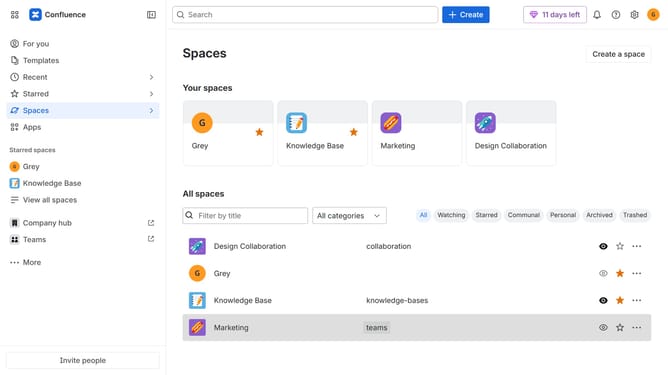
- First click on "Apps" in the navigation
- Next, select the "Explore more apps" option
- From the list, locate "Table Filter, Charts & Spreadsheets" and click on it to open the app details page
- Click on the "Try it free" or "Install" button
- Select the app edition and confirm the Confluence site where it will be installed
- Then click on the "Review" button to proceed
- Review the app details, permissions, and other information
- Finally, click on the "Start free trial" or "Confirm installation" button
Why should you install Table Filter, Charts & Spreadsheets in Confluence
Confluence is an intuitive platform that streamlines team collaboration and documentation.
Integrating the Table Filter, Charts & Spreadsheets features into Confluence enhances data management capabilities. These features allow for advanced data analysis directly within your workspace, elevating your team's ability to interpret and visualize information.
The benefits include improved decision-making processes and enhanced productivity through real-time data filtering, chart creation, and spreadsheet functionalities, all seamlessly integrated.
Last update