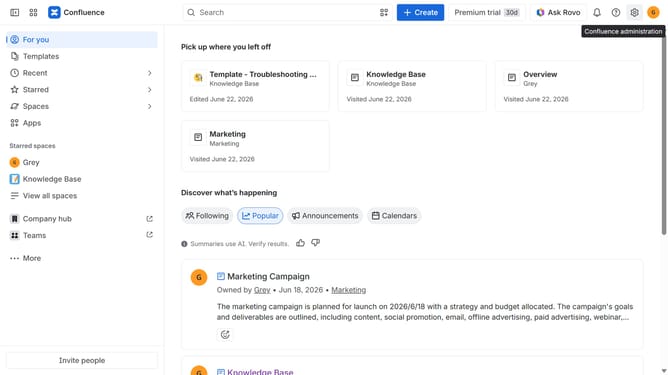
How to filter users by User role in Confluence
Here is how to filter users by user role in confluence
- First click on the "Switch sites or apps" button in the top left corner
- Next select "Administration" in the dropdown menu
- In the administration sidebar, click on "Directory"
- Select "Users" from the directory submenu
- After that click on the "Role" filter above the user list
- Then select "User" from the role options
- The user list will now display only users with the User role
Why should you filter users by User role in Confluence
Confluence is a powerful collaboration tool designed to streamline teamwork and boost productivity.
Filtering users by user role in Confluence is a valuable feature that enhances team management. By categorizing users based on their roles, you can effortlessly tailor content access and streamline communication.
This feature allows leaders to efficiently allocate resources, ensuring that everyone has the appropriate access to necessary information, thereby optimizing workflow and enhancing organizational efficiency.
Ultimately, user role filtering in Confluence supports a structured and effective approach to managing a collaborative digital workplace.
Last update