How to archive an announcement banner in Confluence
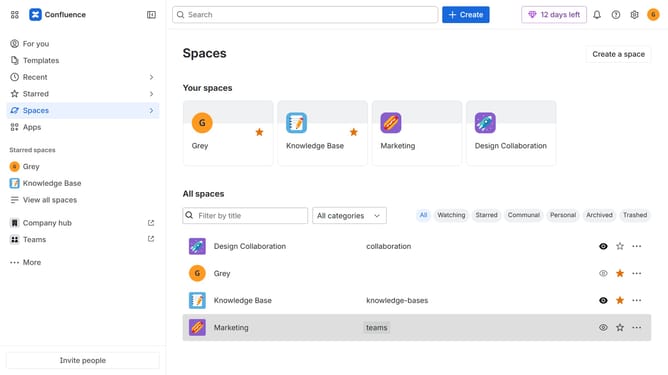
Here is how to archive an announcement banner in confluence
- First click on the gear icon in the header to open Confluence administration
- Select "Announcements" from the sidebar
- Next, locate the announcement banner you want to archive
- Finally, click on the archive icon in the Actions column
Why should you archive an announcement banner in Confluence
Confluence is a collaborative workspace where teams can create, share, and keep their work organized.
Archiving announcement banners in Confluence helps maintain a clutter-free workspace by storing outdated alerts for future reference. This feature ensures your active interface remains clear and focused on current priorities.
Utilizing the archiving capability allows users to keep historical data intact, providing valuable insights for future projects or audits while enhancing overall workspace efficiency.
Last update