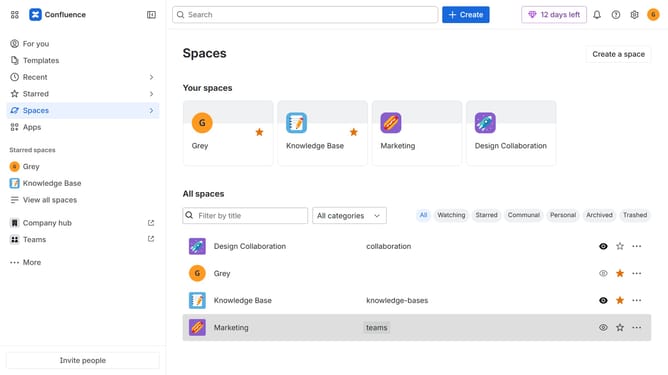
How to disable Loom integration suggestions in Confluence
Here is how to disable loom integration suggestions in confluence
- First click on the gear icon in the top right header to open the Confluence administration menu
- Find "Settings" in the Confluence administration menu
- Next click on "Configuration"
- After that, select "General configuration" in the submenu
- In the Confluence setup section, locate "Enable Loom integration suggestions"
- Then, uncheck the checkbox to disable the option
- Finally click on the "Save configuration changes" button to apply the changes
Why should you disable Loom integration suggestions in Confluence
Confluence is a dynamic collaboration tool designed to help teams organize and share information effectively.
Managing integrations like Loom in Confluence can streamline your workspace by reducing distractions.
Disabling Loom integration suggestions can help maintain a clutter-free environment, allowing teams to focus on essential tasks.
This feature ensures that your Confluence experience remains tailored to your team's unique workflow, fostering a more focused and productive environment.
Last update