How to view starred spaces in Confluence
Here is how to view starred spaces in confluence
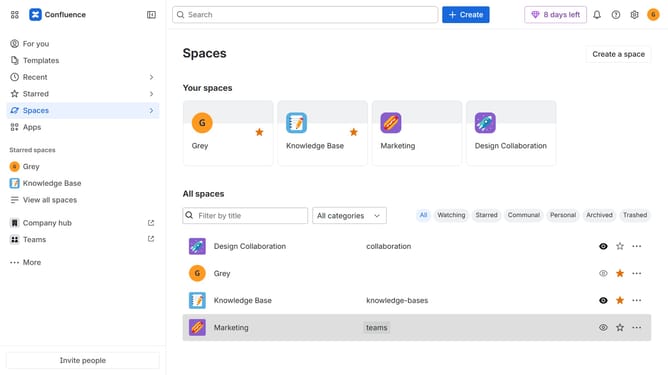
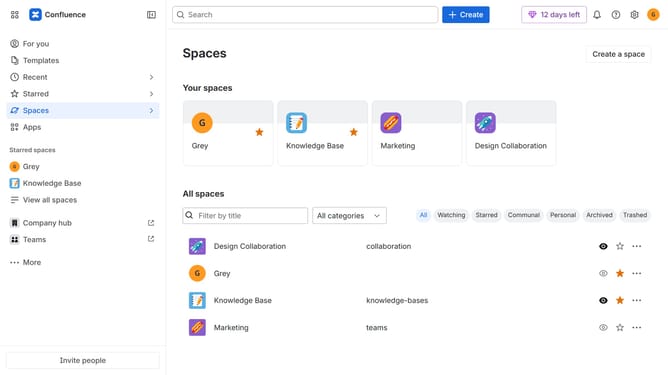
- First, click on "Spaces" in the left sidebar
- Next, select "View all spaces" in the dropdown menu
- Then, locate the filter options at the top of the spaces list
- Finally, click on the "Starred" option to filter the spaces
Why should you view starred spaces in Confluence
Confluence is a dynamic collaboration tool designed to facilitate seamless team interactions and knowledge sharing.
The feature of viewing starred spaces in Confluence enables users to quickly access their most frequently used or favorite spaces.
This feature is particularly beneficial for those immersed in multiple projects, as it streamlines the process of locating important information, enhancing productivity and focus.
By leveraging starred spaces, teams can foster efficiency and maintain organized workflows effortlessly.
Last update