How to move a live doc to another parent page in Confluence
Here is how to move a live doc to another parent page in confluence
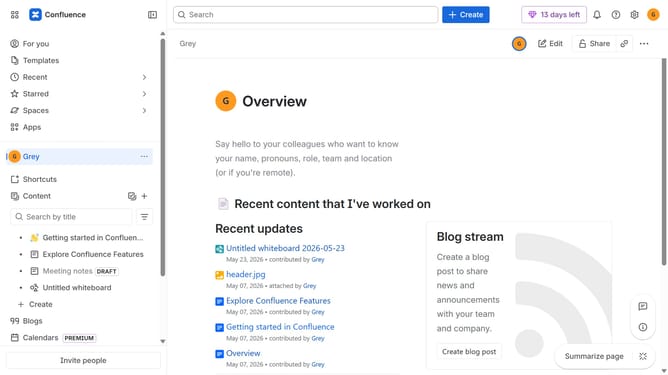
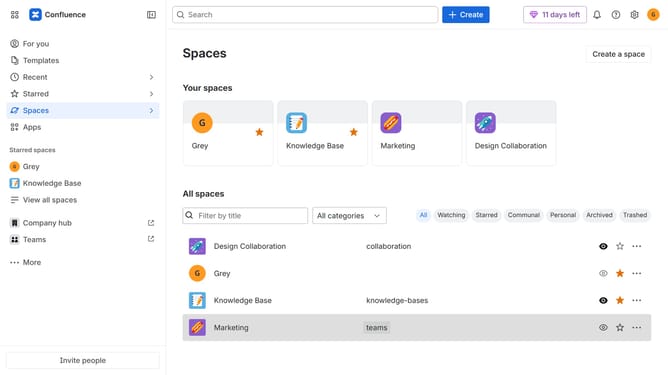
- First, navigate to the spaces list page and open the space that contains the Live doc
- In the left sidebar under "Content", click on the Live doc you want to move
- Next, click on the three dots button in the top right corner
- Select "Move" from the dropdown menu
- Click on the "Search" tab within the "Move" dialog
- After that, click on the "Parent" dropdown menu
- Then select the new parent page from the parent options
- Finally click on the "Move" button to confirm the action
Why should you move a live doc to another parent page in Confluence
Confluence is a dynamic collaboration platform designed to seamlessly organize, share, and manage team documents.
Moving a live doc to another parent page in Confluence enhances flexibility in document organization, ensuring information is easily accessible to the right stakeholders.
This feature allows for efficient content management, aligning documents with evolving project hierarchies and improving overall team productivity.
Ultimately, it supports better structure and navigation, enhancing collaborative workflows.
Last update