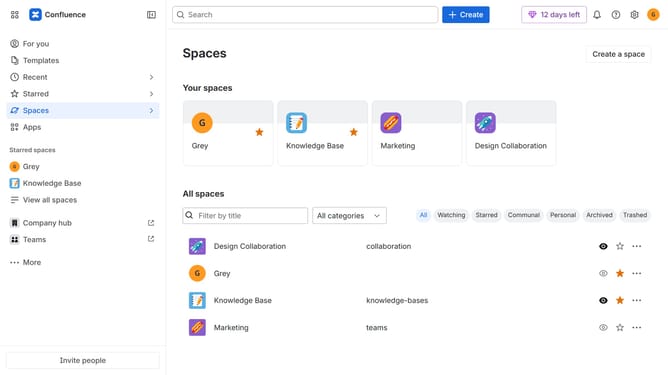
How to disable daily digest Slack messages in Confluence
Here is how to disable daily digest slack messages in confluence
- First click on the gear icon in the top right corner
- Find "Settings" in the Confluence administration menu
- Next, click on the "Configuration" option
- Select "Notifications" from the expanded settings menu
- After that, locate the "Slack settings" section
- Then uncheck the "Daily Digest Slack message" checkbox to disable it
- Finally, click on the "Save Slack setting changes" button
Why should you disable daily digest Slack messages in Confluence
Confluence is a powerful collaborative workspace that drives team productivity by organizing, creating, and sharing content efficiently.
One of its noteworthy features is the ability to manage notifications, such as disabling daily digest Slack messages. This feature allows users to maintain focus without the distraction of constant updates.
By customizing their notification settings, teams can prioritize essential tasks, enhancing productivity while minimizing unnecessary interruptions. This ensures a smoother workflow and better time management.
Last update