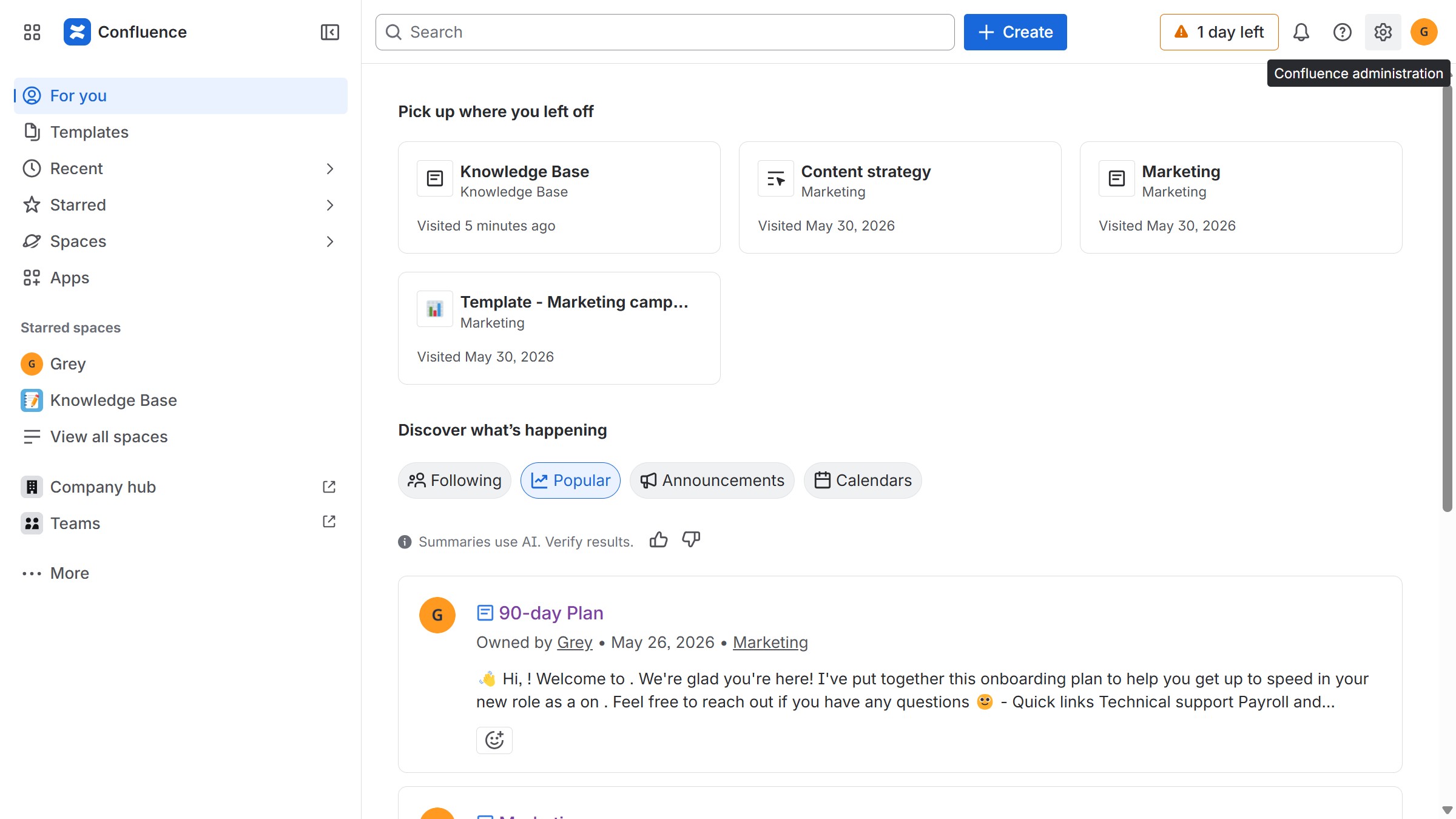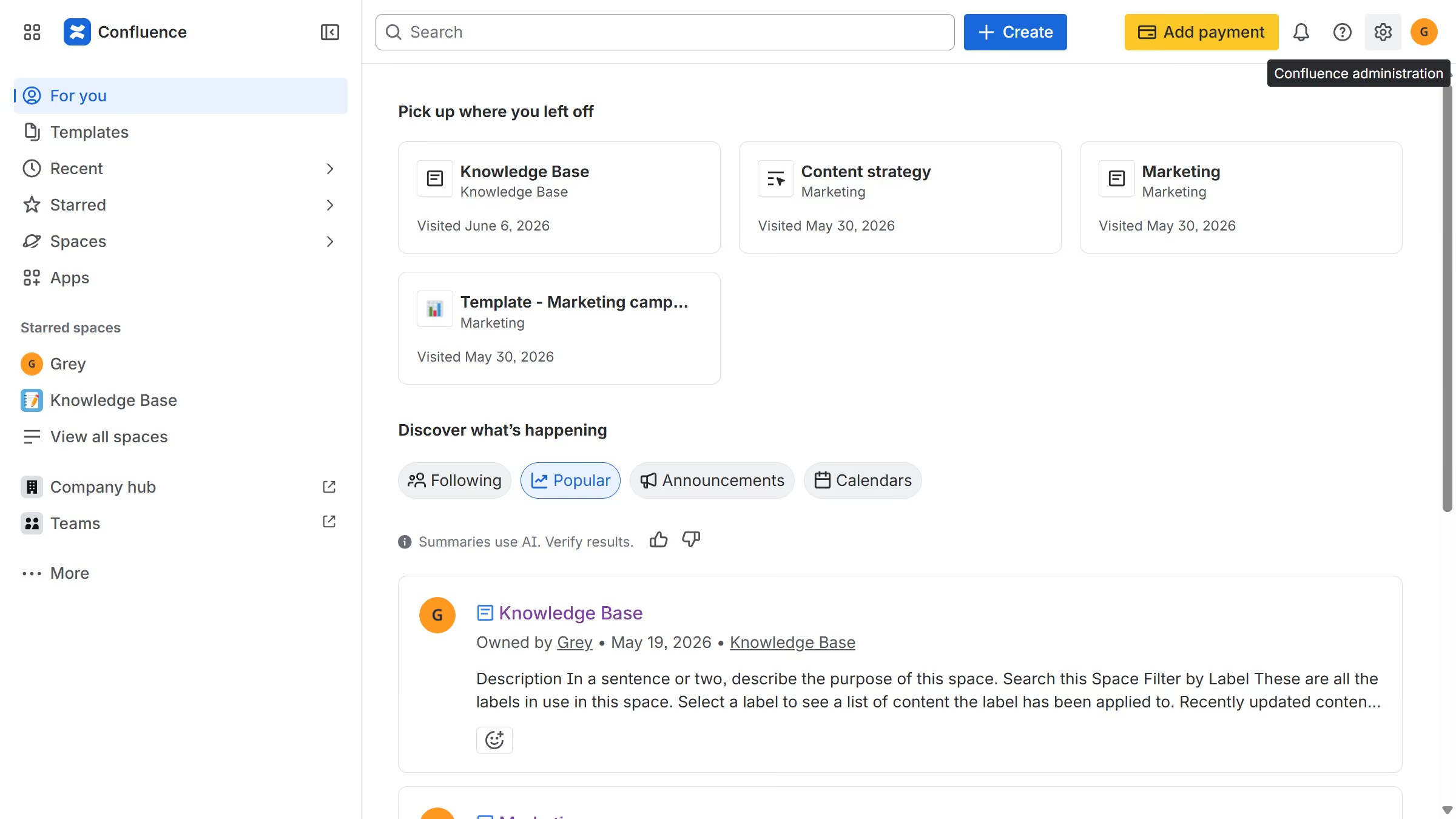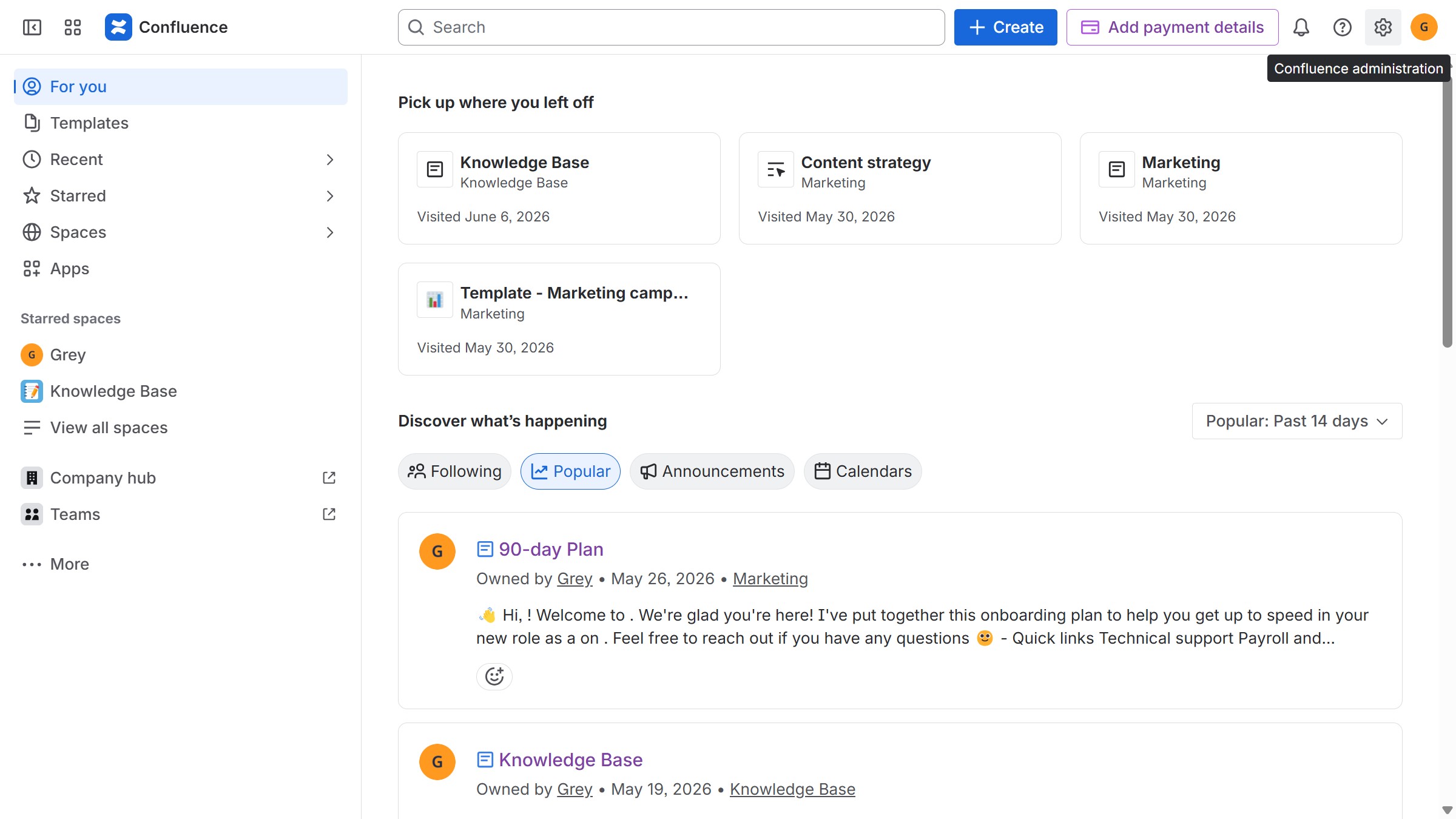
Here is how to open a public link in confluence space permissions
- First, navigate to the spaces page and locate the space you want to manage
- Next click on the "More actions" (three dots) button in the top right
- From the dropdown menu, click on the "Space settings" option
- After that, click on "Space access" in the left sidebar
- Click on the "Public links" option in the submenu
- Locate the content whose public link you want to view
- Click the “More actions” (three dots) button next to it
- Then select the "View public link" option to view the public version of the content