How to receive weekly Slack mention reminders in Confluence
Here is how to receive weekly slack mention reminders in confluence
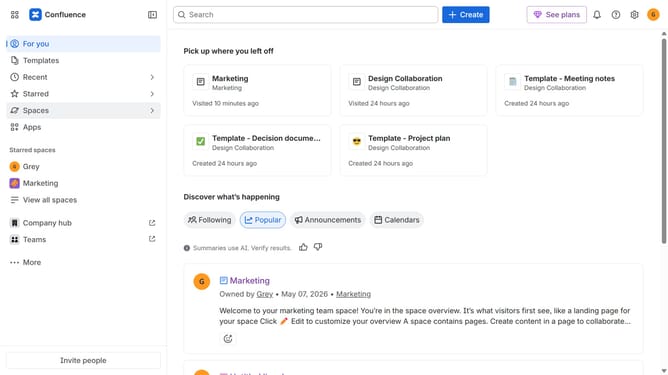
- First click on the gear icon in the top right corner
- Find "Settings" in the Confluence administration menu
- Next, click on the "Configuration" option
- Select "Notifications" from the expanded settings menu
- After that, locate the "Slack settings" section
- Then check the "Mention reminders" checkbox to enable it
- Finally, click on the "Save Slack setting changes" button
Why should you receive weekly Slack mention reminders in Confluence
Confluence is a powerful collaboration platform designed to help teams share knowledge efficiently.
Receiving weekly Slack mention reminders in Confluence enhances productivity by ensuring that important notifications are never missed.
This feature helps teams stay connected, reminding members about ongoing projects or discussions.
It streamlines communication, fostering timely responses and collaboration, making teamwork seamless and effective.
Last update