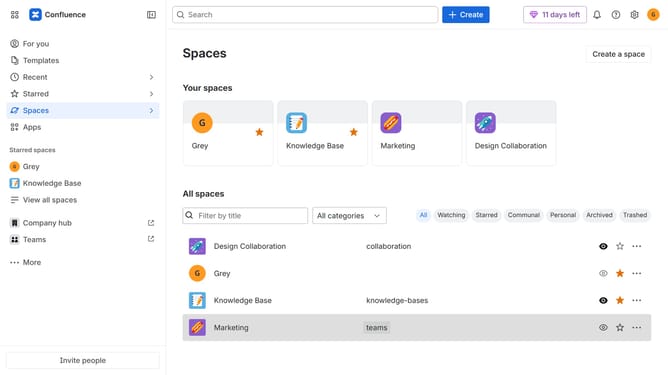
How to switch to the light theme in Confluence
Here is how to switch to the light theme in confluence
- First click on the user profile icon in the top right corner of the header
- Next click on the "Theme" option from the dropdown menu
- Then select the "Light" theme option from the theme selection menu
Why should you switch to the light theme in Confluence
Confluence is a collaborative workspace that helps teams create, share, and discuss content.
Switching to the light theme in Confluence allows you to personalize your workspace environment for better focus and clarity.
The light theme can reduce eye strain during prolonged use, particularly in well-lit environments.
It also provides a clean and professional look, aligning with your brand or personal preference. Embracing the light theme enhances readability and brings a refreshing touch to your daily workflow.
Last update