How to filter apps by Notifications use case in the Confluence Marketplace
Here is how to filter apps by notifications use case in the confluence marketplace
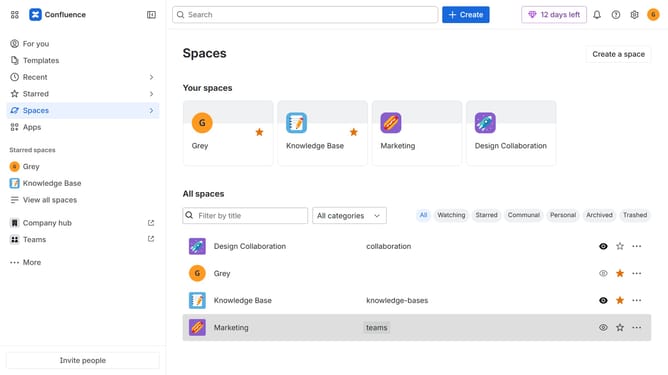
- First click on "Apps" in the left sidebar
- Next, click on the "Explore more apps" option
- Click on the "Use cases" filter below the search bar
- Then, select the "Notifications" checkbox
- Optionally, select additional use case options
Why should you filter apps by Notifications use case in the Confluence Marketplace
Confluence is a collaborative workspace that helps teams organize their work and share knowledge effectively.
Filtering apps by Notifications use case in the Confluence Marketplace enhances customization by allowing you to focus on tools that streamline communication. This feature ensures that you only explore apps tailored to optimize notification management, saving time and boosting productivity.
By selecting apps specifically designed for notifications, teams can maintain seamless, organized communication, making crucial information more accessible and actionable. This targeted selection empowers teams to enhance collaborative efforts and ensure important updates are never missed.
Last update