How to hide the site title from the navigation bar in Confluence
Here is how to hide the site title from the navigation bar in confluence
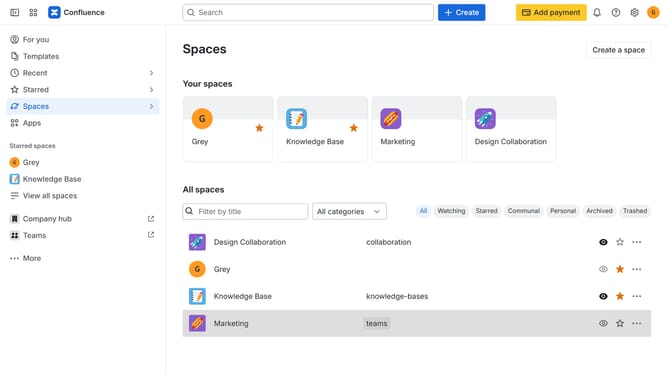
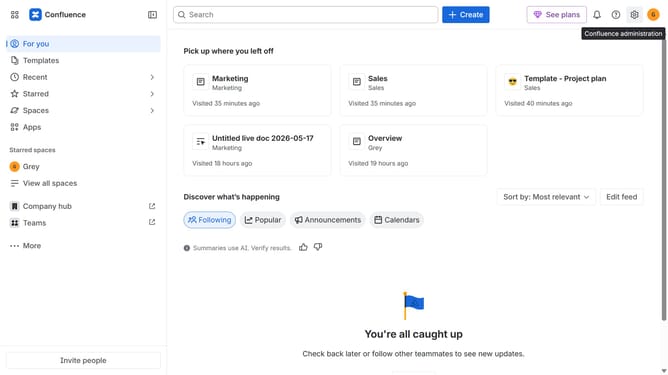
- First click on the gear icon in the top-right corner from the dashboard
- Find "Settings" in the left-hand navigation
- Next click on "Configuration"
- Then select "General configuration"
- After that, find the “Display this title on the navigation bar” option
- Then uncheck the checkbox for that option
- Finally click on the "Save configuration changes" button to apply the changes
Why should you hide the site title from the navigation bar in Confluence
Confluence is a collaborative workspace designed to help teams organize, create, and share knowledge effectively.
Hiding the site title from the navigation bar in Confluence is an excellent way to streamline the interface, keeping it clean and focused. By reducing visual clutter, teams can concentrate on what's essential: their work and collaboration.
This feature enhances user experience by minimizing distractions, making navigation smoother and more intuitive. Implementing this small change can significantly improve engagement and workflow within your team.
Last update