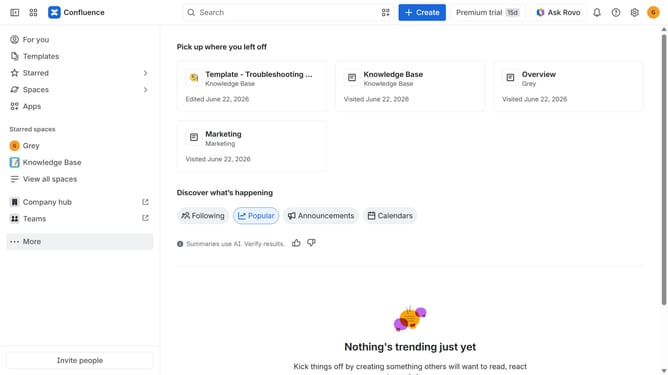
How to filter apps by the Custom Directory use case in the Confluence Marketplace
Here is how to filter apps by the custom directory use case in the confluence marketplace
- First click on the "Apps" in the left sidebar
- Next, click on the "Explore more apps" option
- Click on the "Use cases" filter in the top menu bar
- Then, select the "Custom Directory" checkbox
- Optionally, select additional use case options
Why should you filter apps by the Custom Directory use case in the Confluence Marketplace
Confluence is a collaborative workspace that optimizes the way teams work together.
Filtering apps by the Custom Directory use case in the Confluence Marketplace allows users to swiftly pinpoint solutions tailored to their specific needs.
This feature saves time by streamlining the search process through personalized categorization.
Ultimately, users gain quick access to the most relevant and effective tools, enhancing productivity and user experience.
Last update