How to install Scroll PDF Exporter in Confluence
Here is how to install scroll pdf exporter in confluence
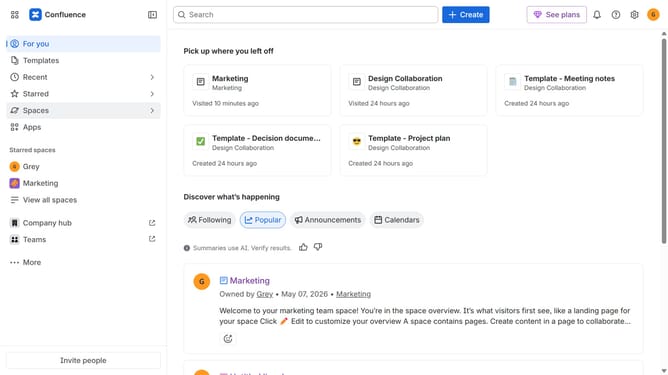
- First click on "Apps" in the navigation
- Next, select the "Explore more apps" option
- From the list, locate "Scroll PDF Exporter" and click on it to open the app details page
- Click on the "Try it free" or "Install" button
- Select the Confluence site where it will be installed
- Then click on the "Review" button to proceed
- Review the app details, permissions, and other information
- Finally, click on the "Start free trial" or "Confirm installation" button
Why should you install Scroll PDF Exporter in Confluence
Confluence is a versatile collaboration tool that streamlines teamwork by organizing all your projects and documents in one location.
Installing the Scroll PDF Exporter in Confluence amplifies your ability to share polished and professional PDF documents seamlessly. This feature enhances workflows by transforming your Confluence pages into an easily distributable format.
The exporter allows for customization of layouts and styling, ensuring your documents align with your brand identity while boosting document management efficiency. Overall, it saves time and improves collaborative effectiveness.
Last update